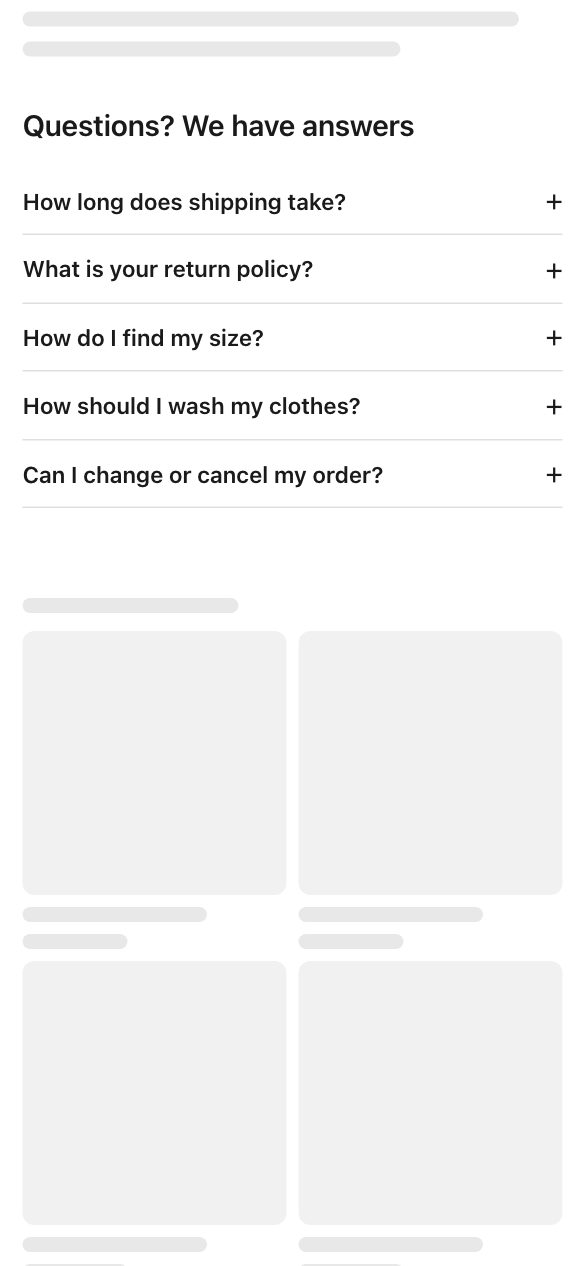
FAQ · Accordion
Questions open one by one.
12 widget types, 38 layouts, 7 styles each. They use your theme’s fonts and colours by default. The Free plan includes 5 live widgets; shoppable videos are on paid plans. How store widgets work · Free widget planning tools


Questions open one by one.
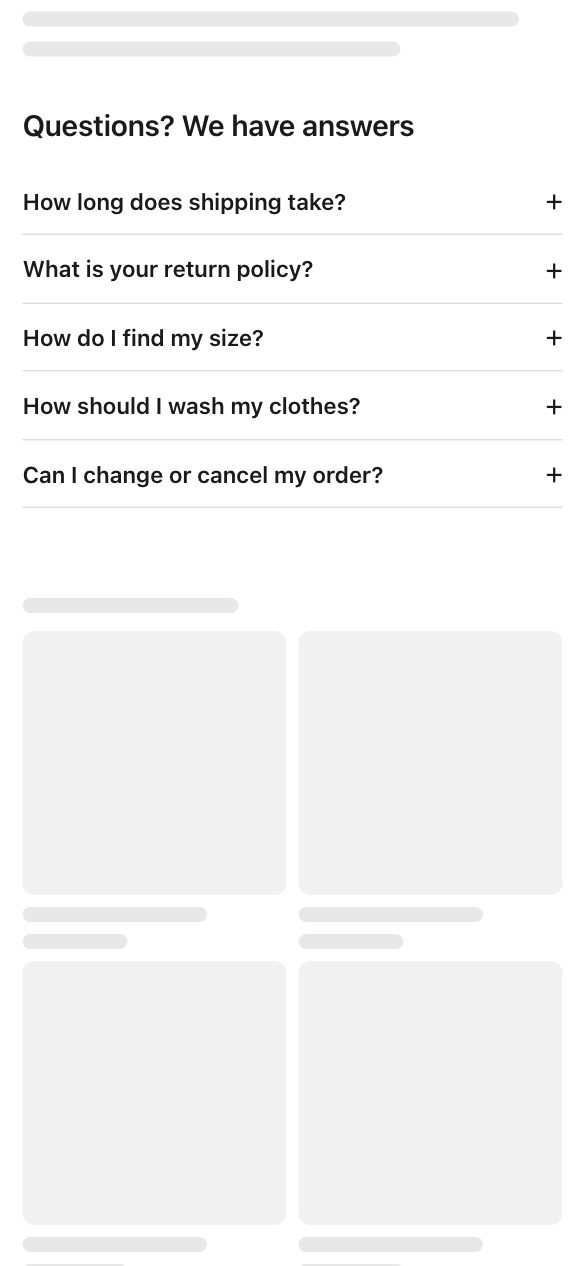
Heading on the left, questions on the right.
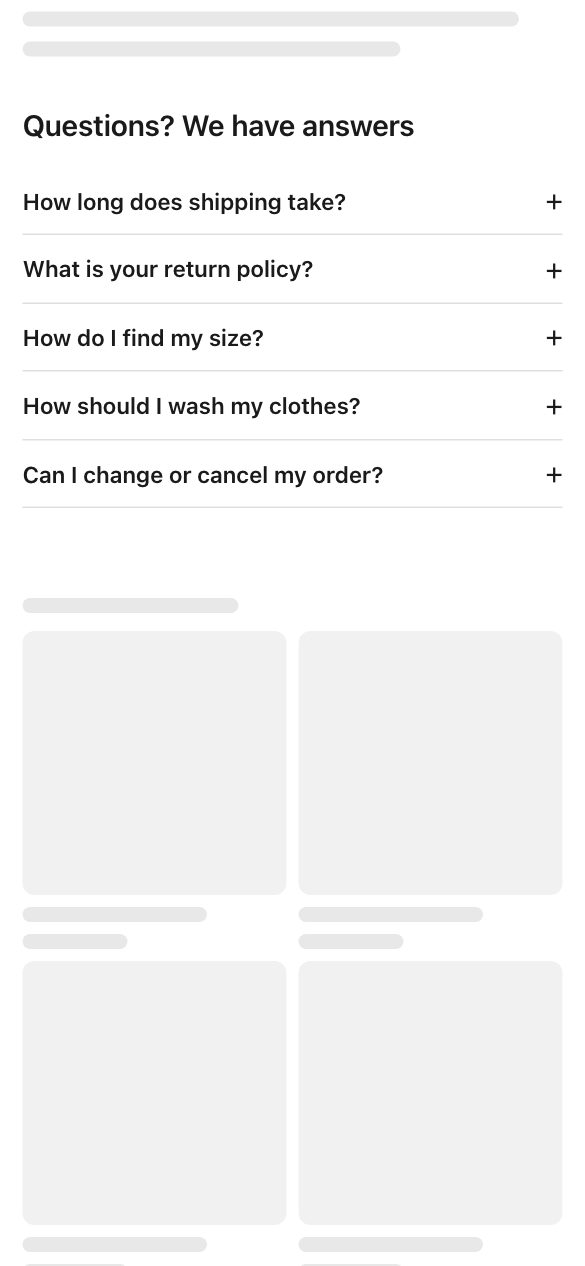
Questions split into two columns.
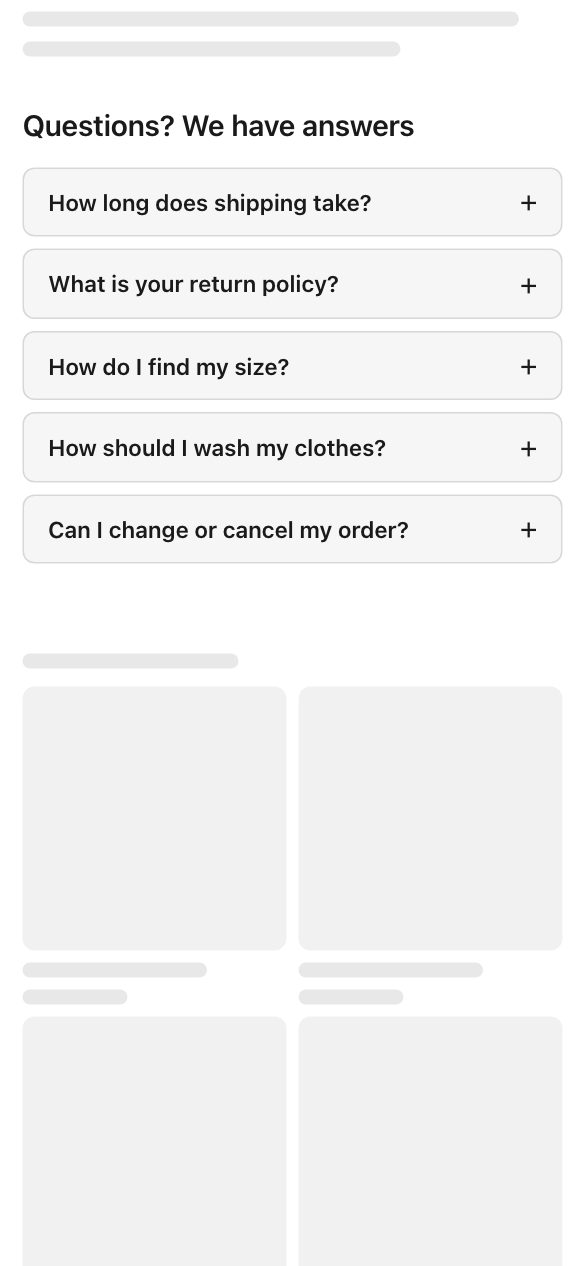
Each question in its own card.
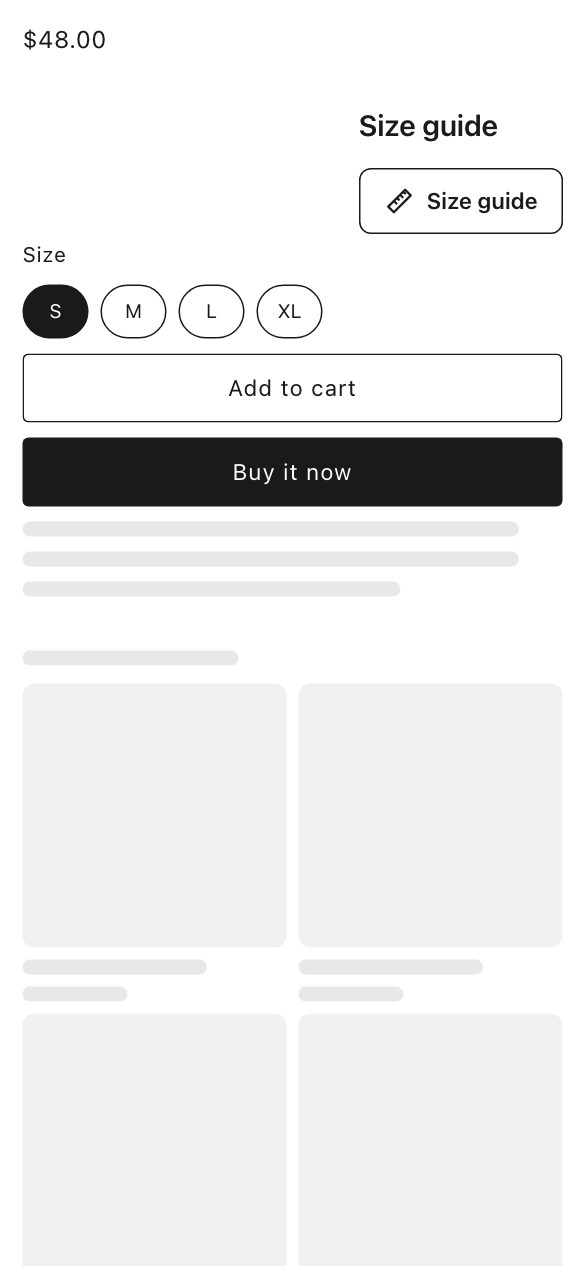
Opens from a button.
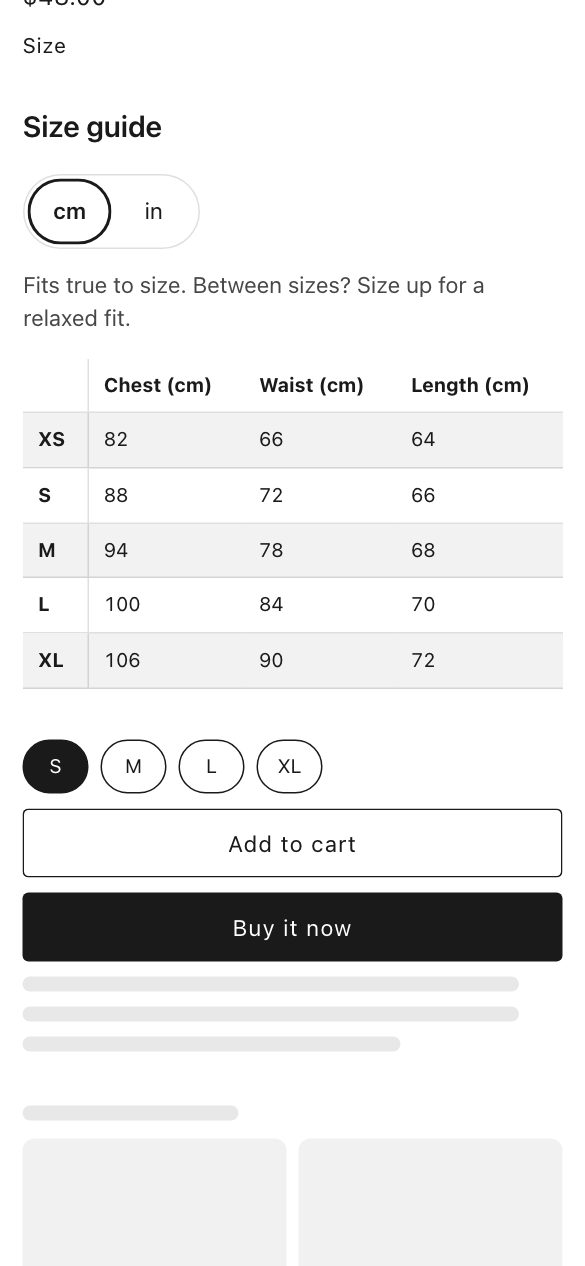
The size table shows on the page.
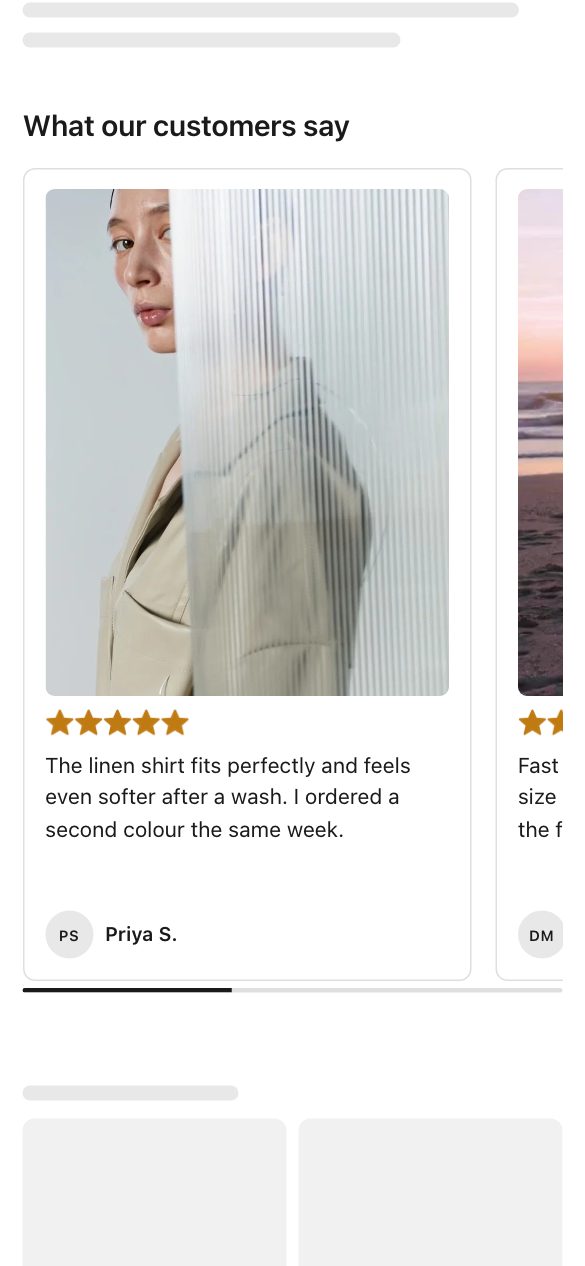
Shoppers swipe through reviews.
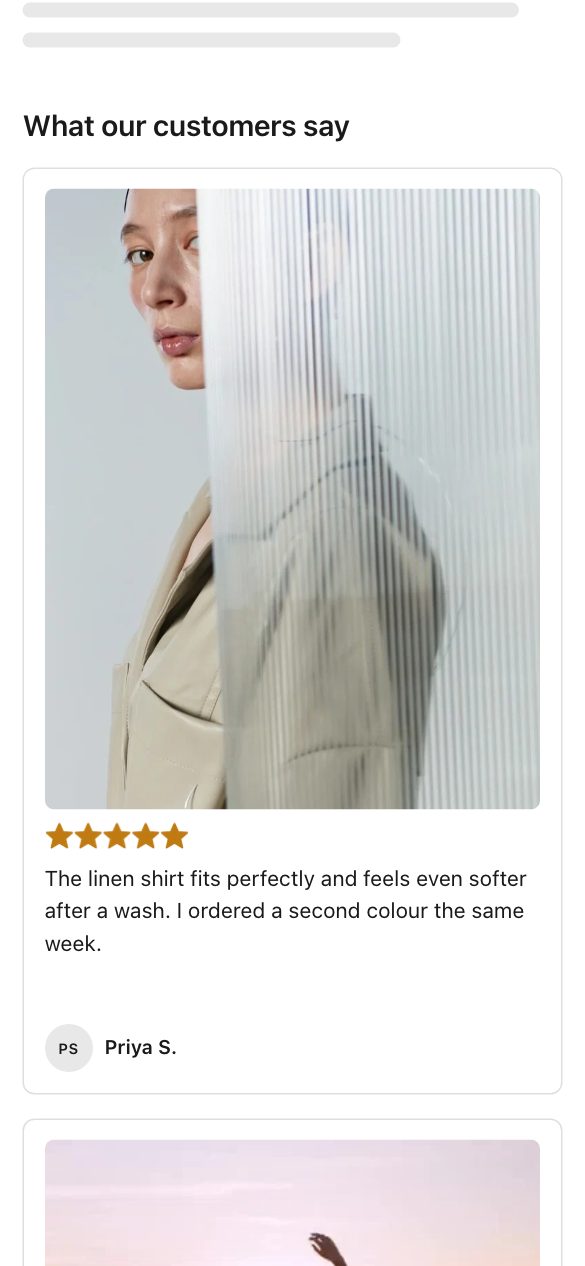
Reviews side by side.
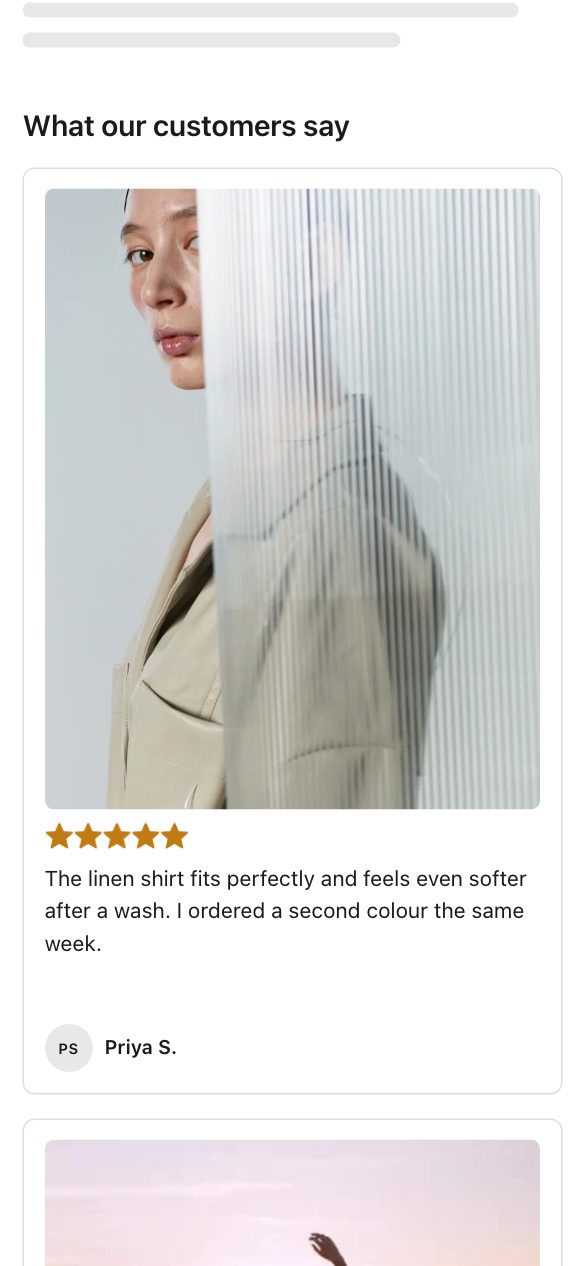
One review under another.
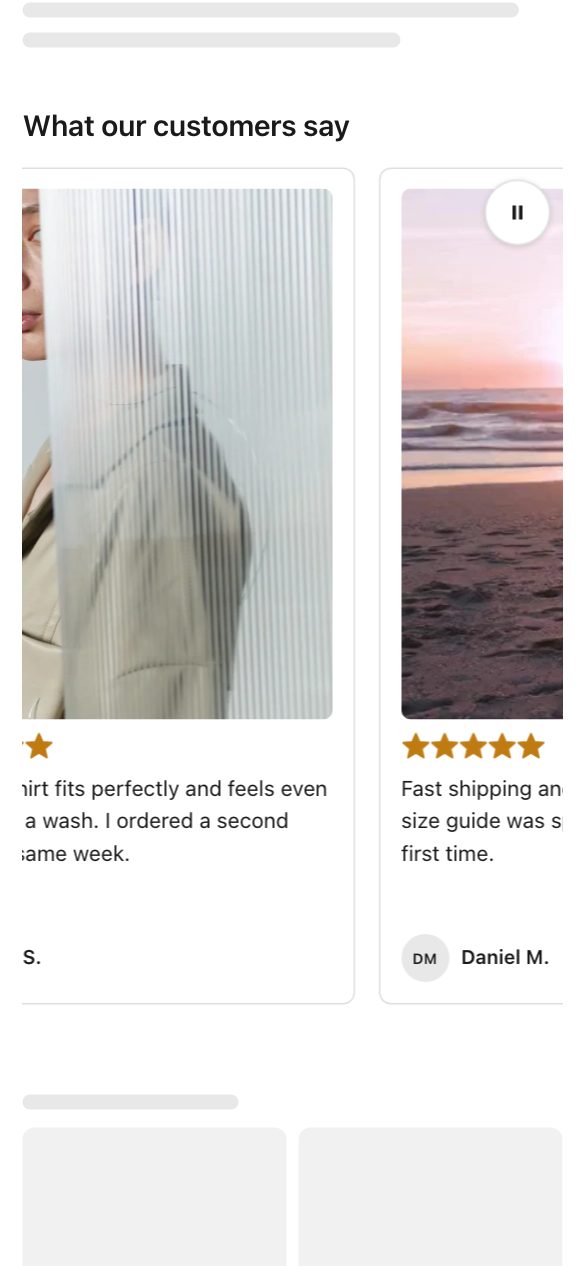
Reviews glide past on their own.
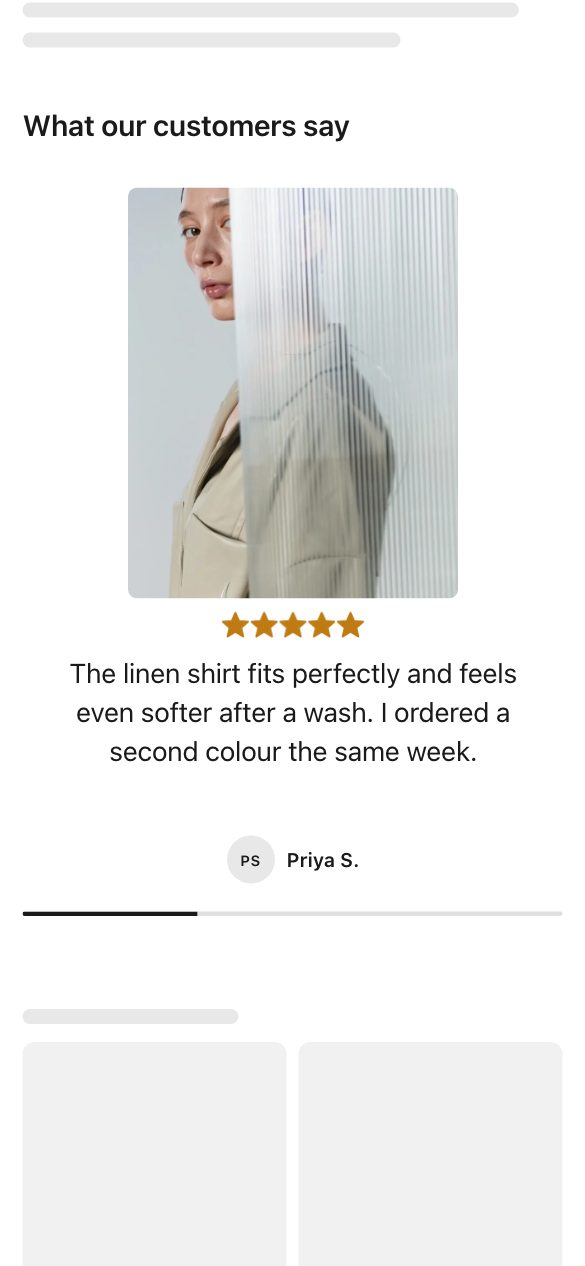
One big review at a time.
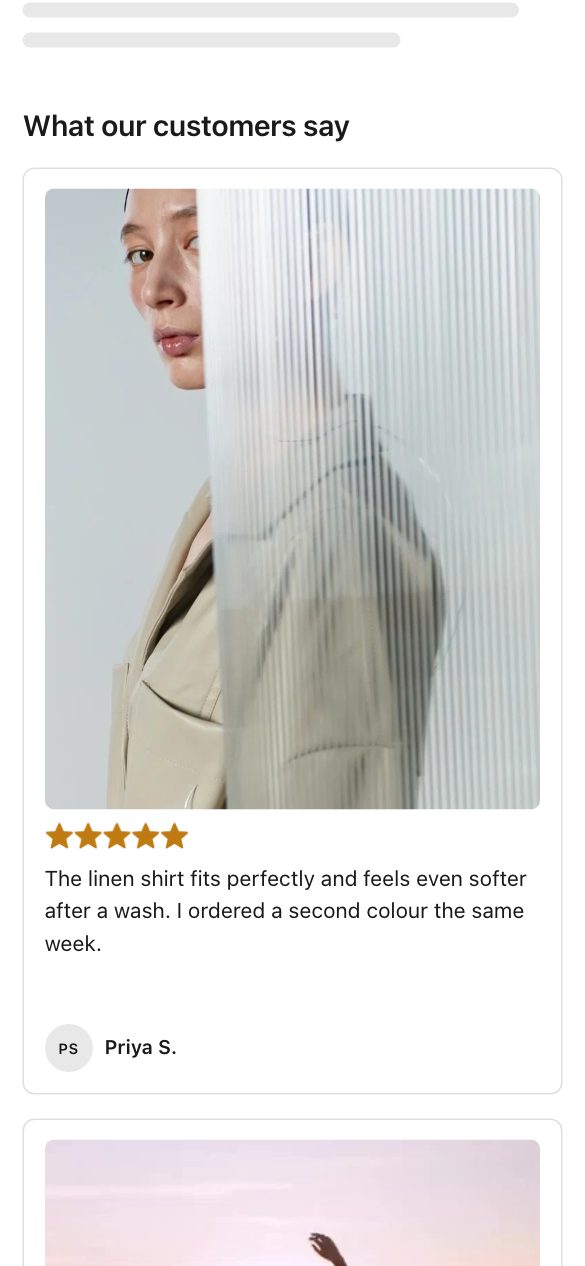
Reviews of every length, packed neatly.

Faces first, reviews on tap.
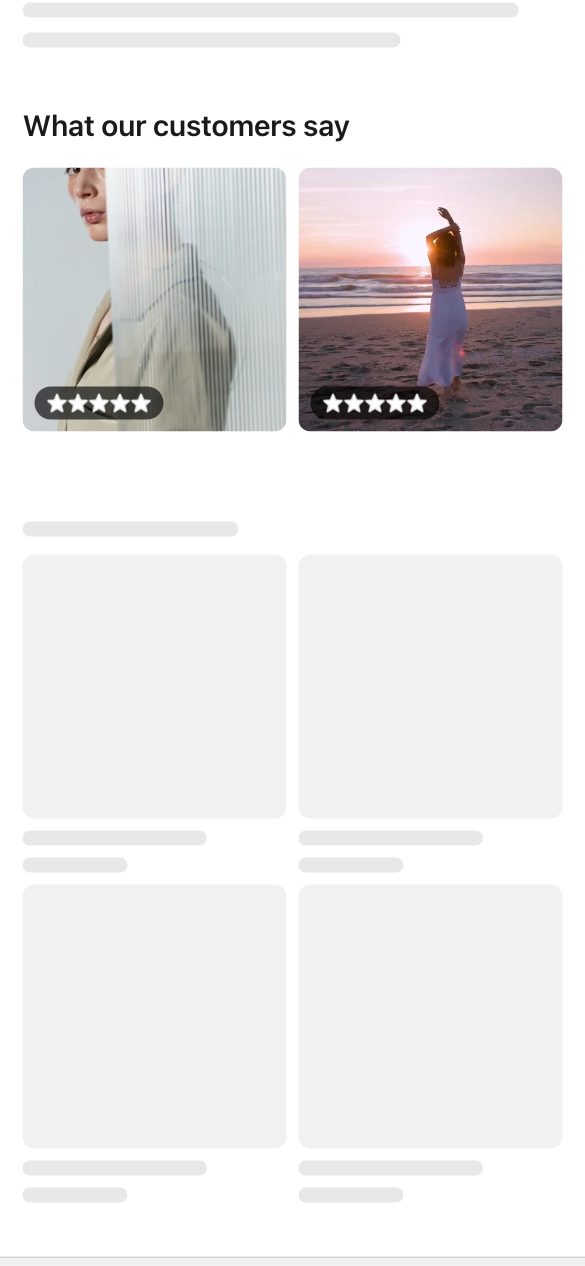
Customer photos up front.
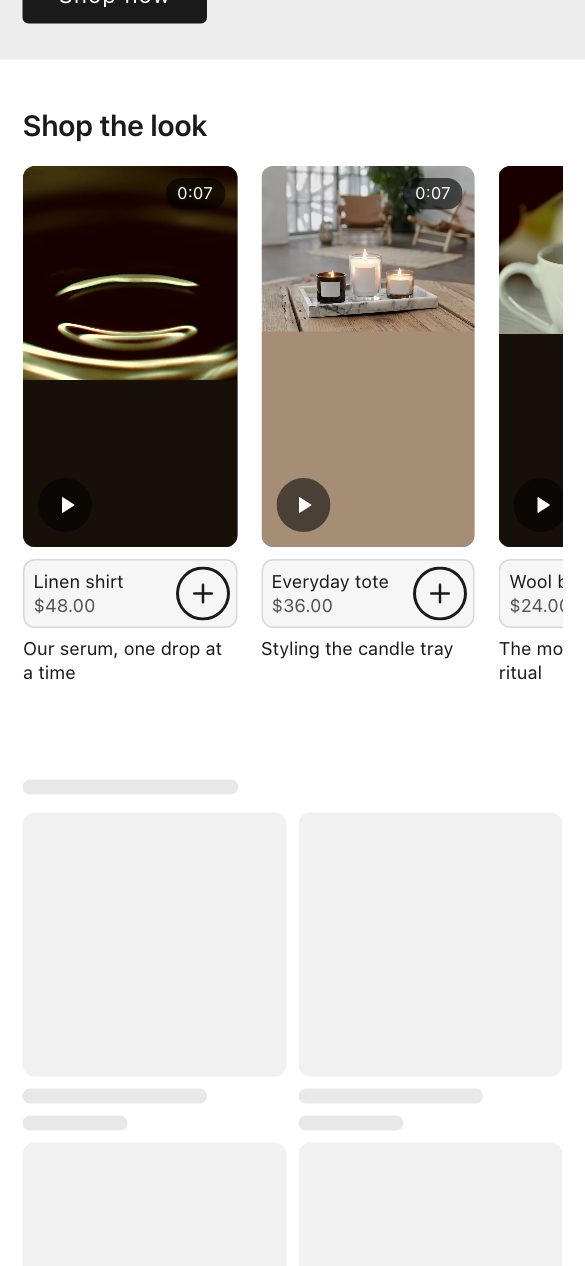
Videos in a swipeable row.
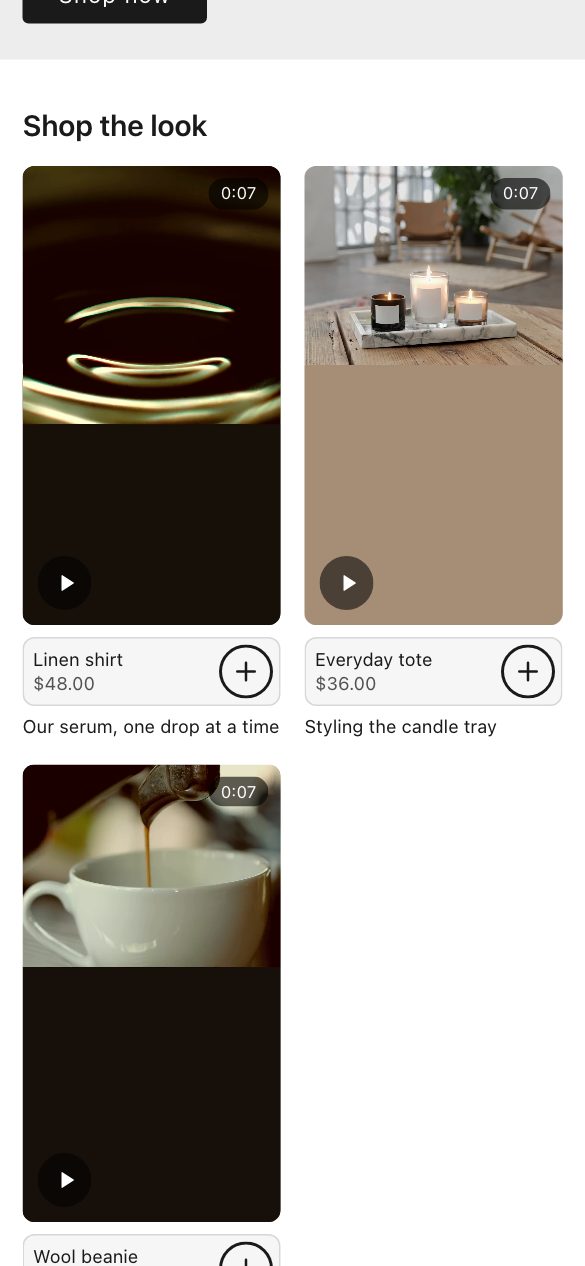
Videos side by side.
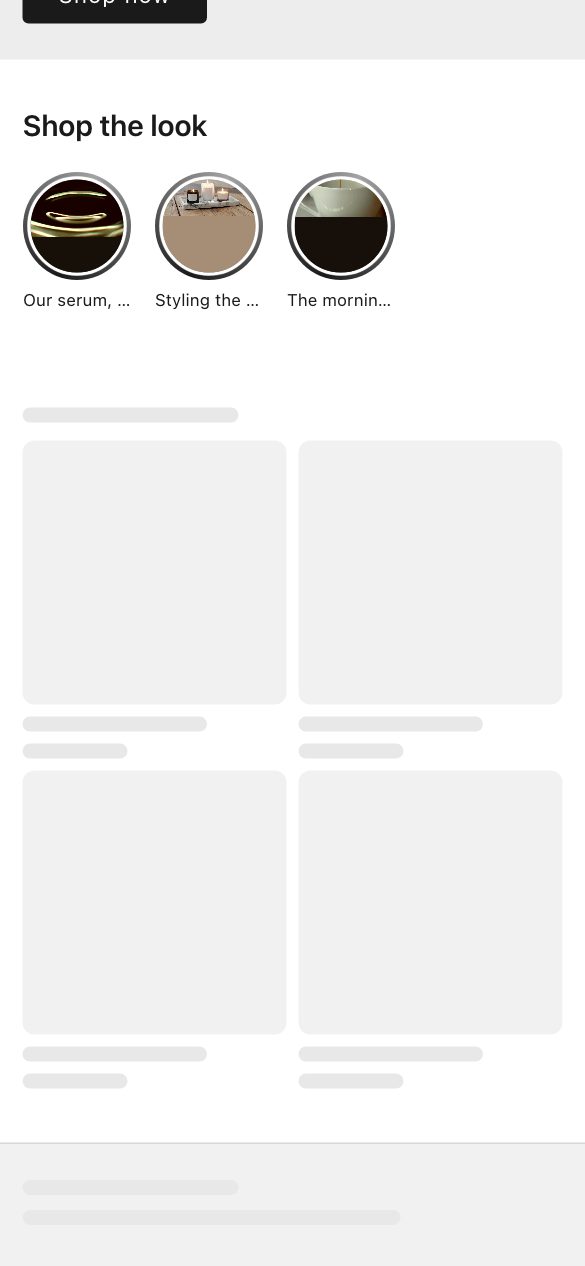
Round story bubbles that open full screen.
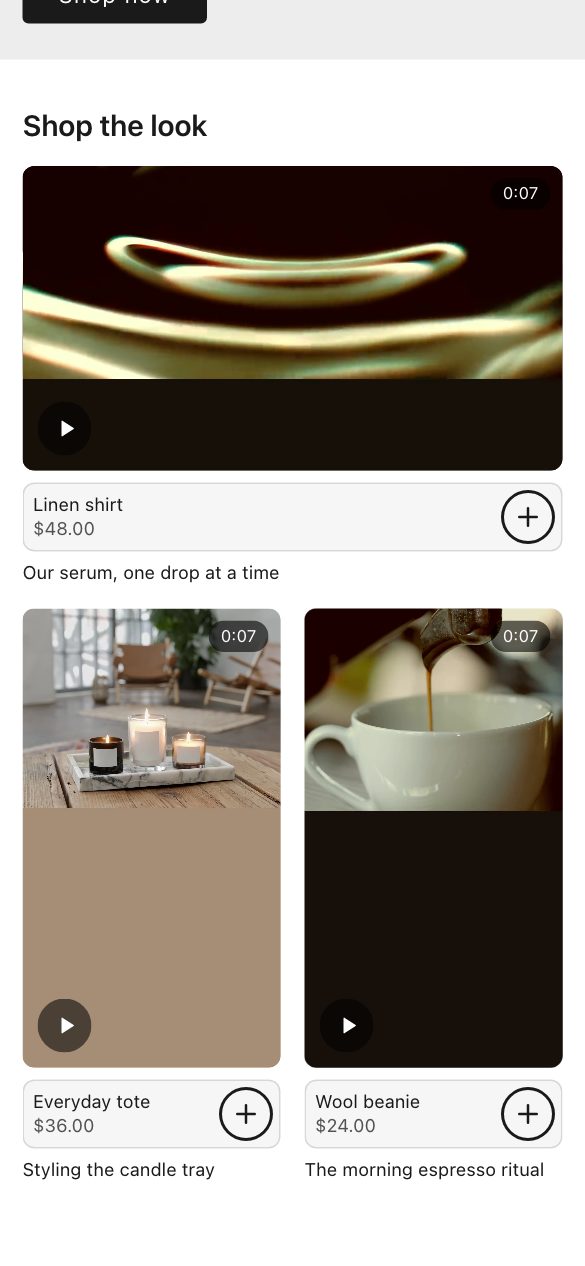
One large video up front.
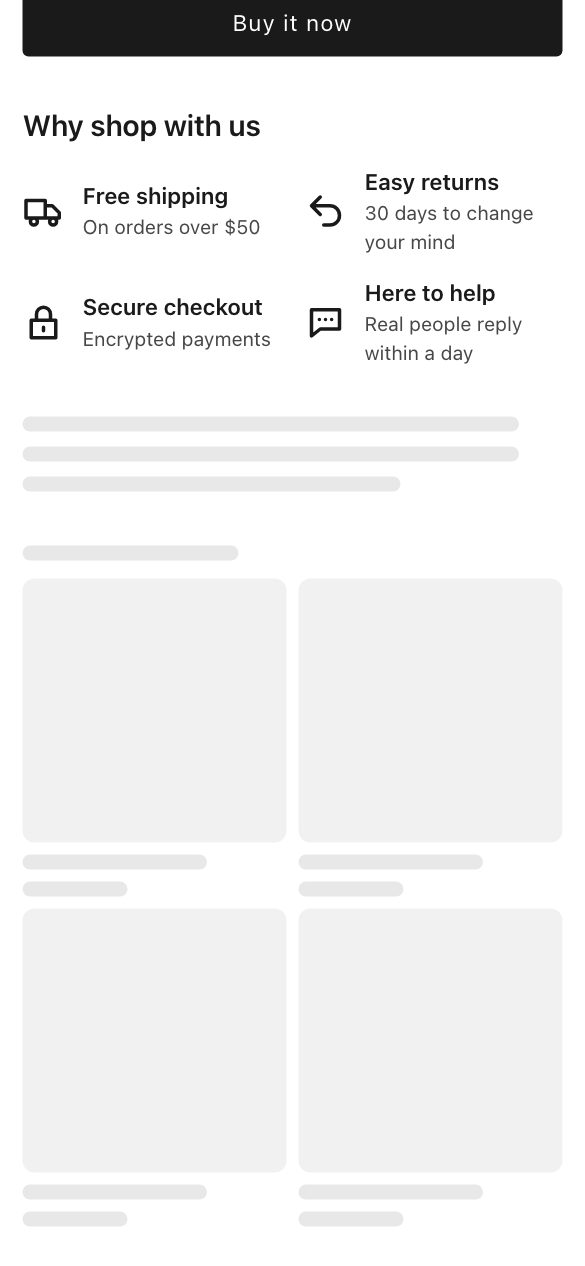
Badges side by side.
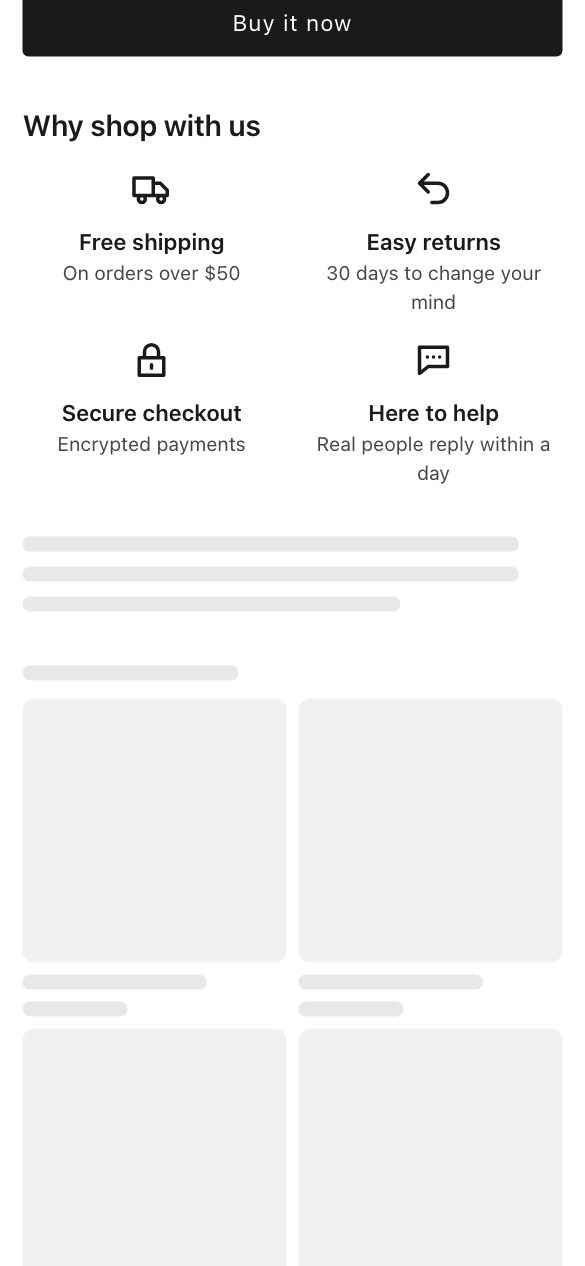
Badges in a centred grid.
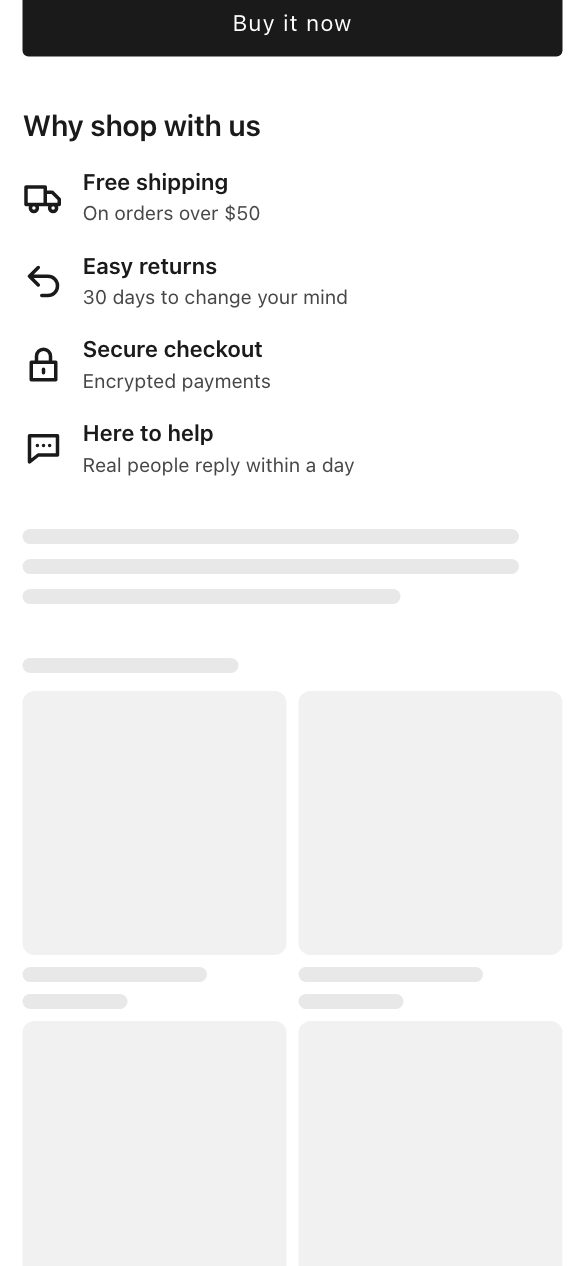
One badge under another.

Icons and text in columns.

Icon beside each block of text.

Shoppers swipe through them.
Logos glide past on their own.
Shoppers swipe through the logos.
Every logo at once.
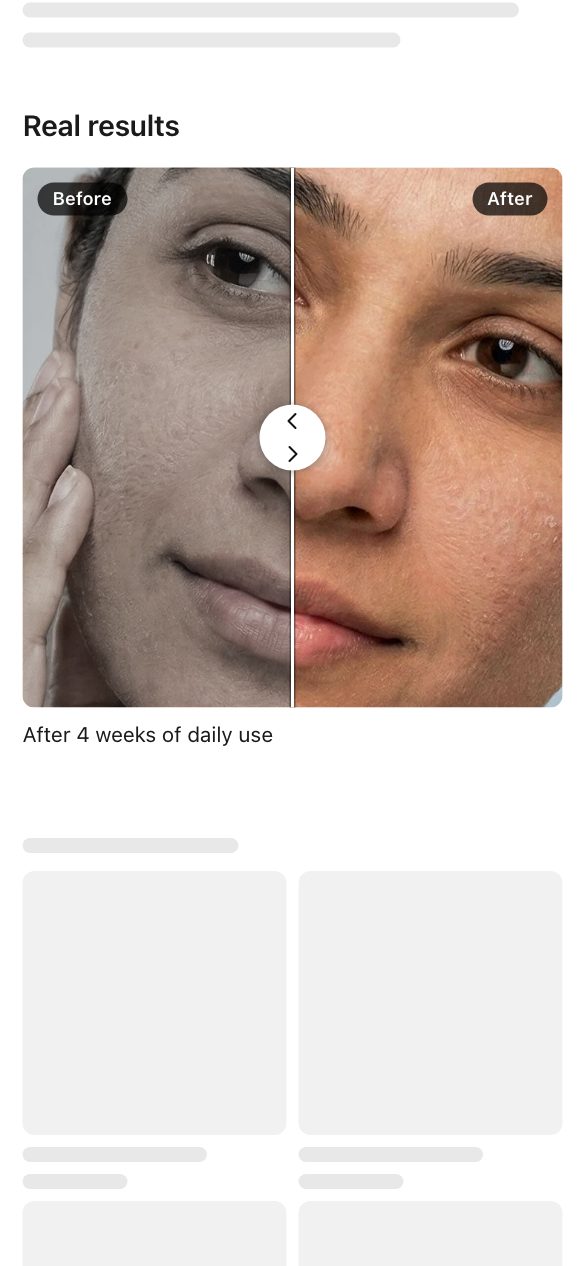
Let shoppers slide between before and after photos.
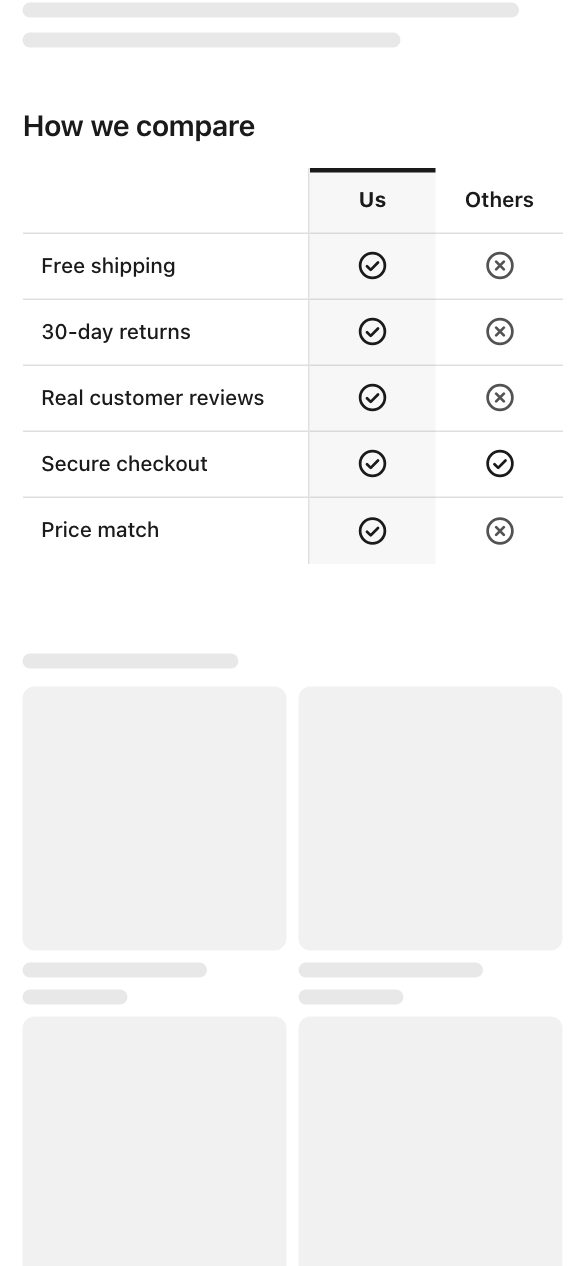
Rows and columns, like a classic chart.
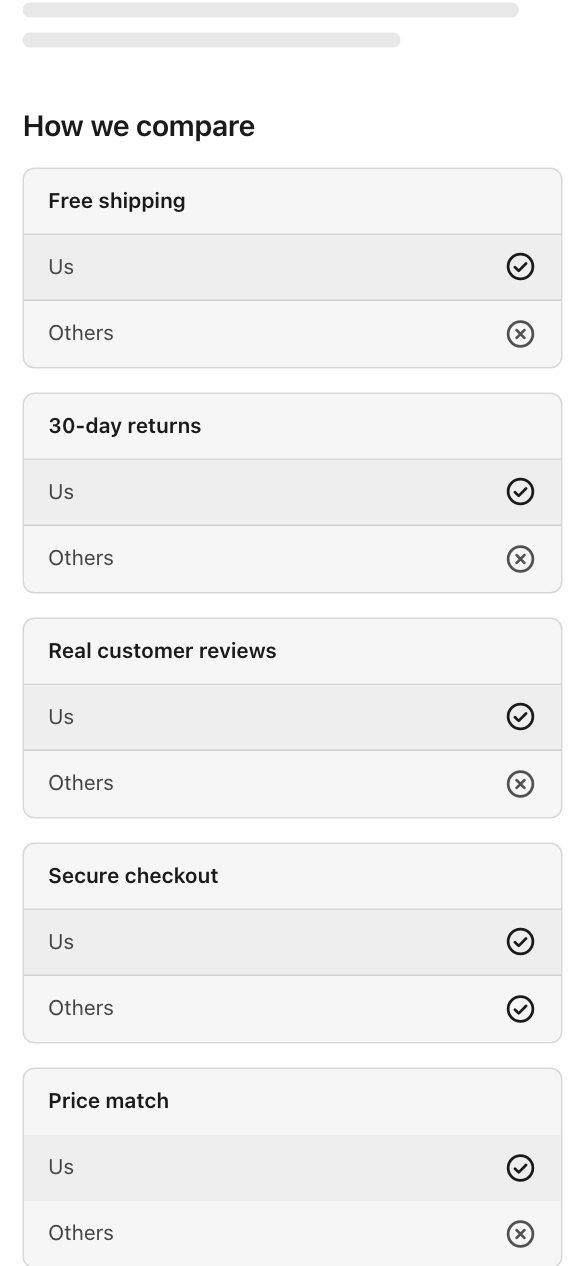
One card per row on phones.
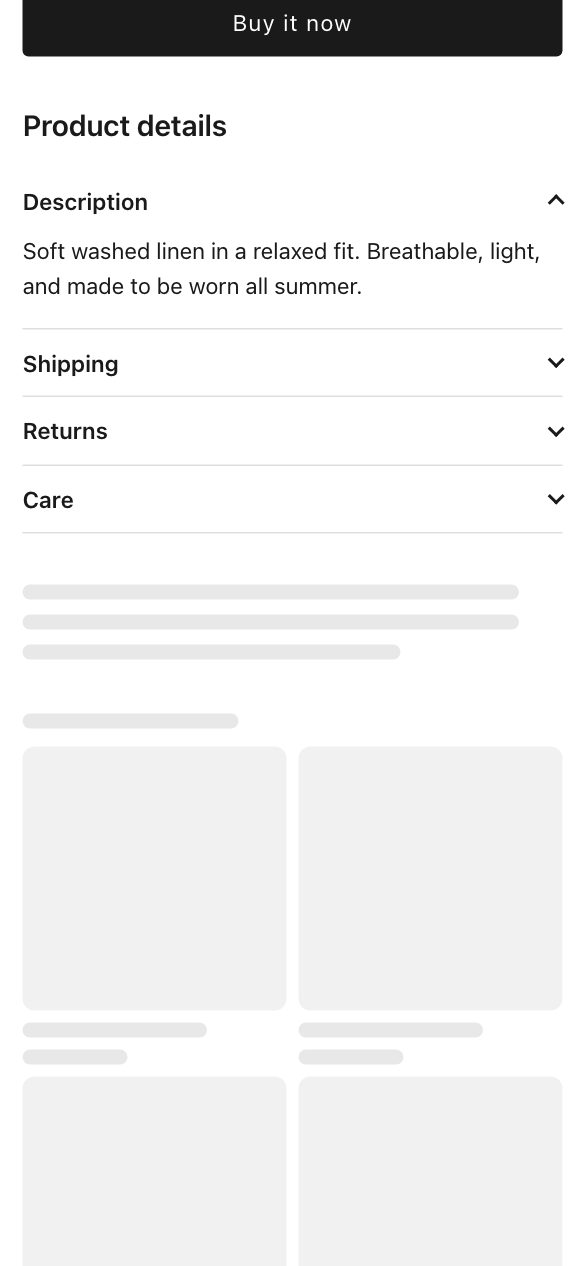
Shoppers click a tab to switch.
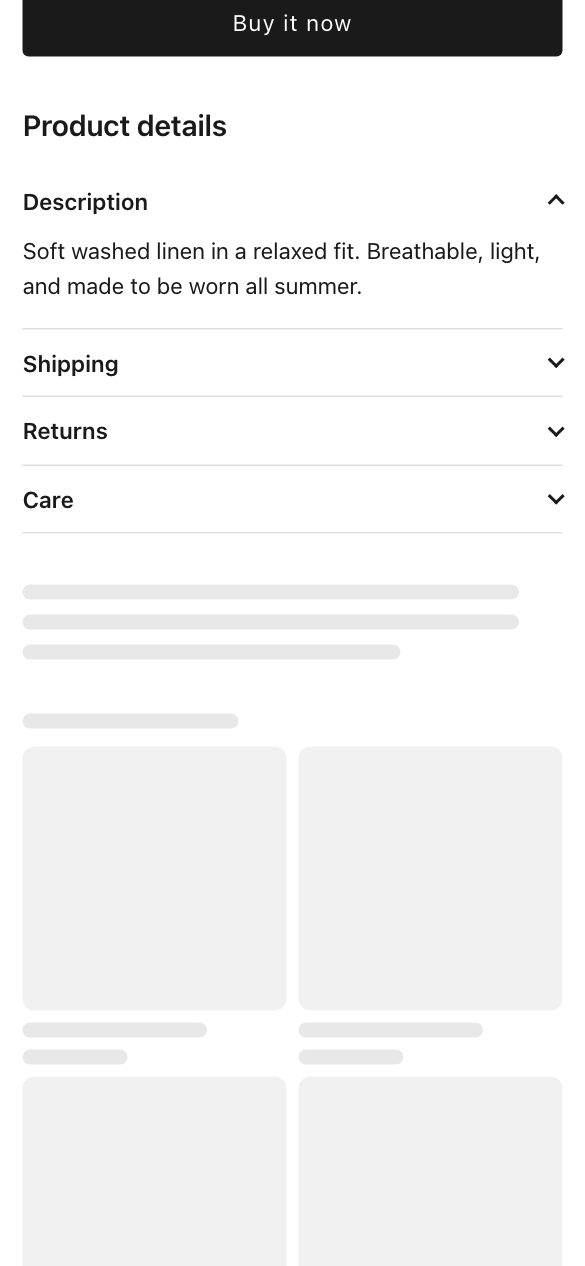
Tab names in a column beside the text.
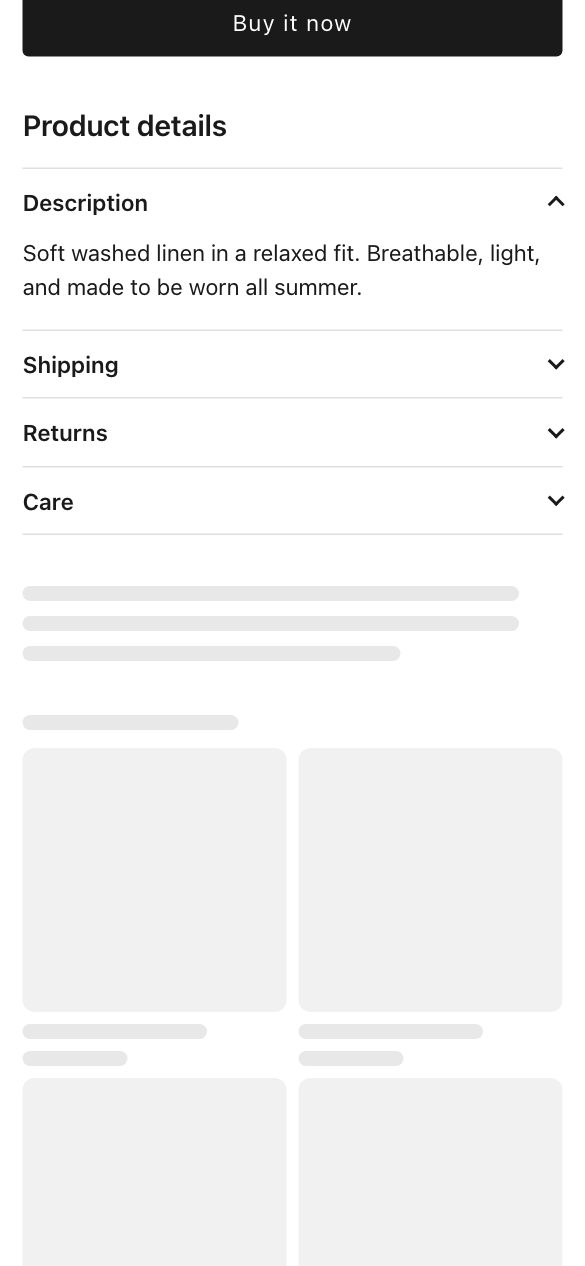
Sections open one by one.
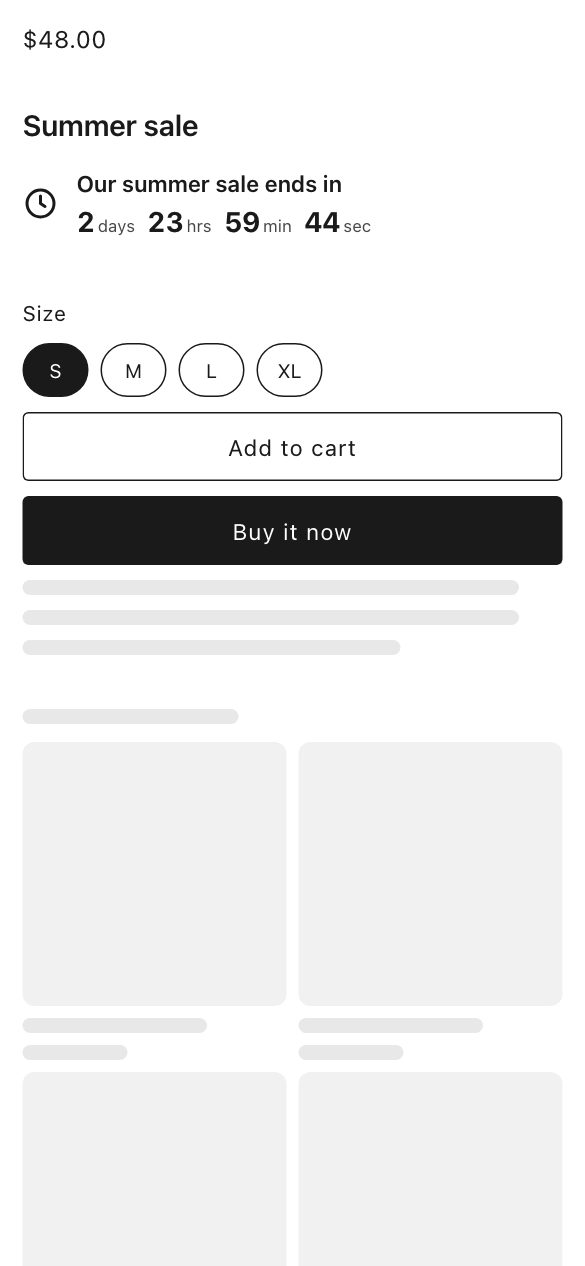
A single line of text with the time left.
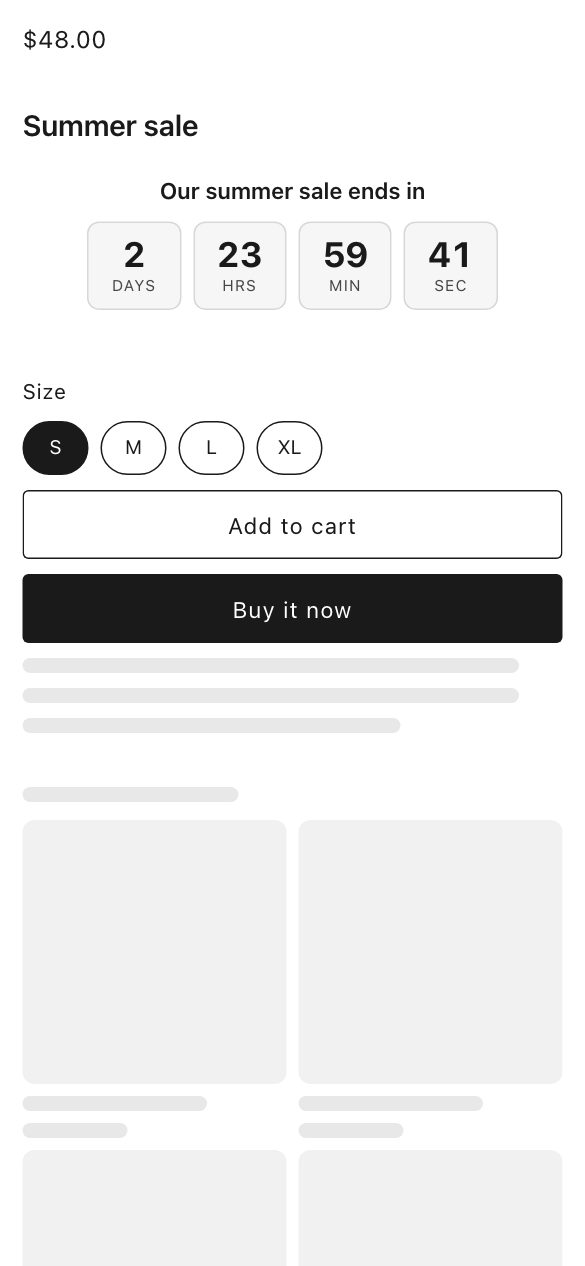
Days, hours, minutes and seconds in their own boxes.
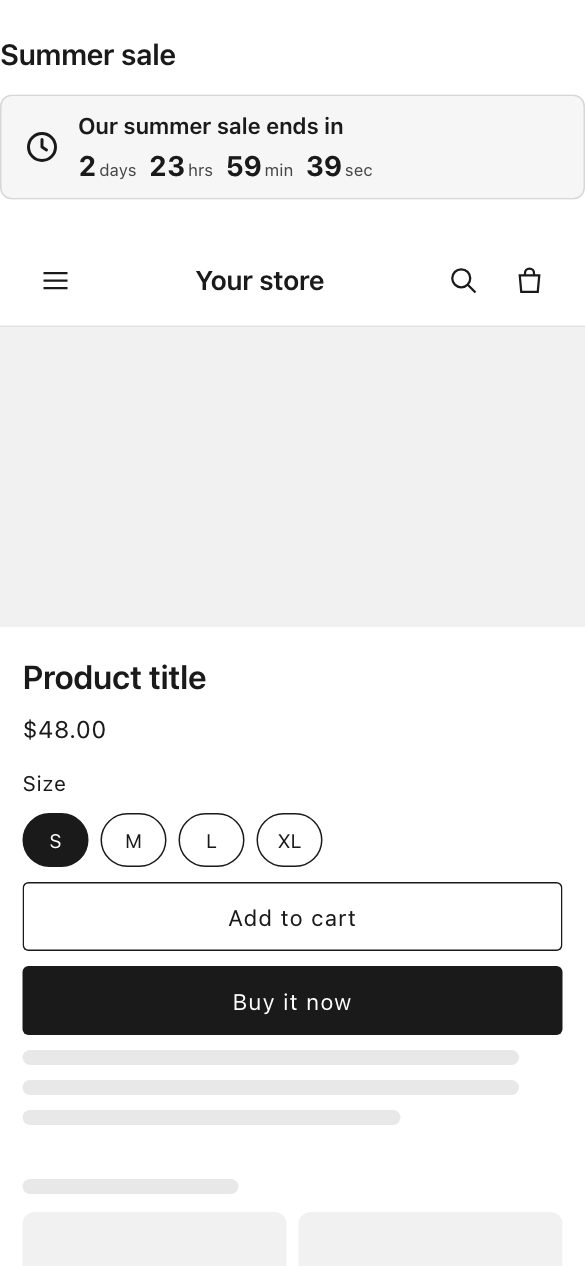
A strip across the page.

A small chat button in the corner.
A button that says what it does.