

 Available on the Shopify App Store
 Protected Customer Data Level 1, approved August 2026
 Klaviyo · Shopify Customers · Google Analytics 4
Wait! Don’t go 👋×
Get 15% off if you stay
CLAIM 15% OFF
Exit Intent
Most shoppers leave without buying or leaving an email. Lead capture, cart abandonment recovery, AOV expansion and retention — every campaign format in one app, plus store widgets for the product page. Records sync to Klaviyo and your Shopify customers, and you’re billed on popup impressions served, never on sessions.
Or see all the templatesFree for a limited time · No card to start · Uninstall in one click
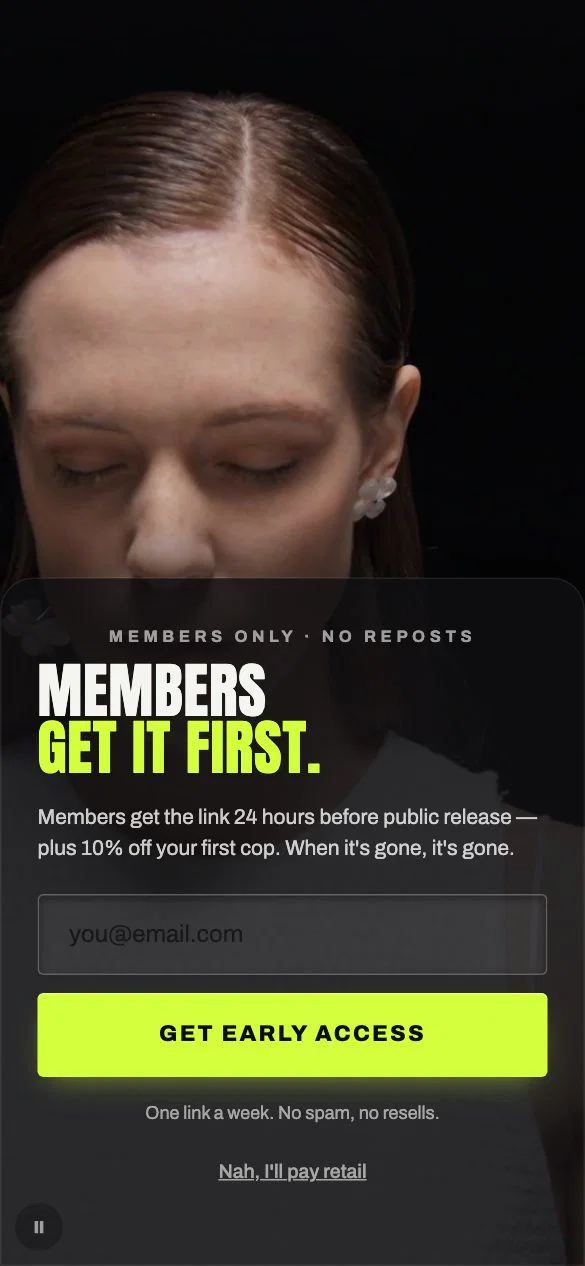
Fashion — Cinema Black
Video Popups · fashion
Not screenshots. Rendered right now by the engine that paints them on your storefront.
Browse all templates →One-click install, no theme code to edit. No figuring it out alone — or book 15 minutes and build it together.
Pick from the template library and change colors, text, and offers in the visual editor.
Choose your targeting rules, preview the popup, and publish. It goes live on your storefront when you publish it.
Free for a limited time · No card to start · Uninstall in one click
Start from the problem: a list that isn’t growing, carts left behind, paid traffic that doesn’t buy, or too many single-purpose apps. Eight of the things merchants most often use one for — each with a template already built for it. Pick the closest and change the words.
Email & phone capture
Multi-step forms, teasers and gated offers capture the address before the session ends. Records land in Klaviyo, or in your Shopify customer list if you do not run an email platform.
Explore list buildingA spin-wheel app, a popup app and an announcement-bar app is three subscriptions and three scripts on your storefront. Exit intent, spin wheels, scratch cards, countdowns, surveys, gift picks, bars and full-screen video are all in here.
Every one is a finished design, not a wireframe — you pick the closest and change the offer.
See every formatGet 15% off if you stay
Join our newsletter
How did you hear about us?
Get 15% off if you stay
Join our newsletter
How did you hear about us?
off your first order
New Collection Drop
Spring ‘26 just landed.
off your first order
New Collection Drop
Spring ‘26 just landed.
Shoppers who leave without an email, carts left open, small orders, buyers who never come back. Each row names the metric that job moves and what the app reports back to you.
A session that exits without converting and without leaving an address has to be re-acquired at full price. An opt-in moves that next touch to a channel you own.
Reported · Opt-in rate and capture rate per campaign, against the previous period.
Trigger on exit intent, cart value, basket quantity or scroll depth — or let Smart Targeting score 43 behavioural signals and pick the moment itself.
Reported · On-site CVR per campaign, which rule fired, and why popups were held back.
Thresholds change basket composition, so they move AOV and units per transaction. The other half is what the discount costs you — a margin line nobody else reports.
Reported · Attributed AOV per campaign, and the coupon funnel: shown, copied, redeemed.
The first order carries the whole acquisition cost; the second carries almost none. Zero-party data captured at opt-in is what lets a win-back sequence segment rather than broadcast.
Reported · Revenue per signup, attributed orders, and which method credited each.
Grow thisShrink thisEvery arrow on this page points the way you want it to.
Your store shouldn’t look cheap the moment a popup opens. Every one here is finished design work rather than a wireframe with a logo dropped in, and every one is yours to edit down to the last word, colour and image.
Shipping, returns, sizing, order cutoffs and reviews are what a shopper checks before they add to cart. Store widgets put those answers inside your theme’s product page, with a free-shipping bar for the cart and a chat button on every page: built in Nudgesmart, filled from your own store details, added through the theme editor where you click Save, and styled by your theme’s fonts and colours by default.
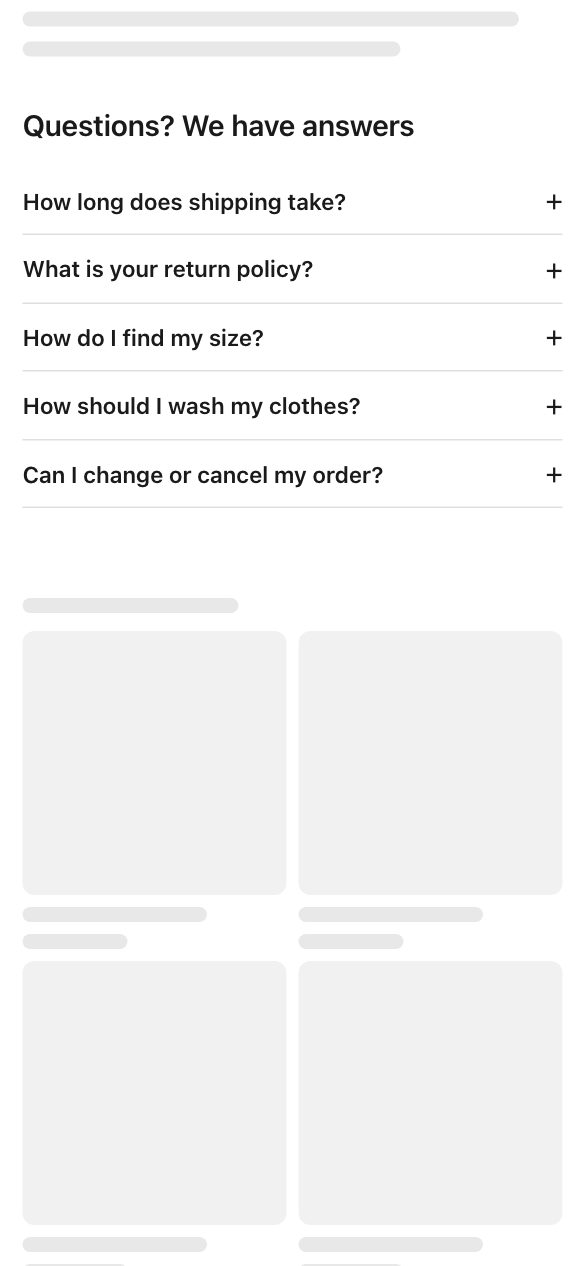
Answer common questions right on the page.
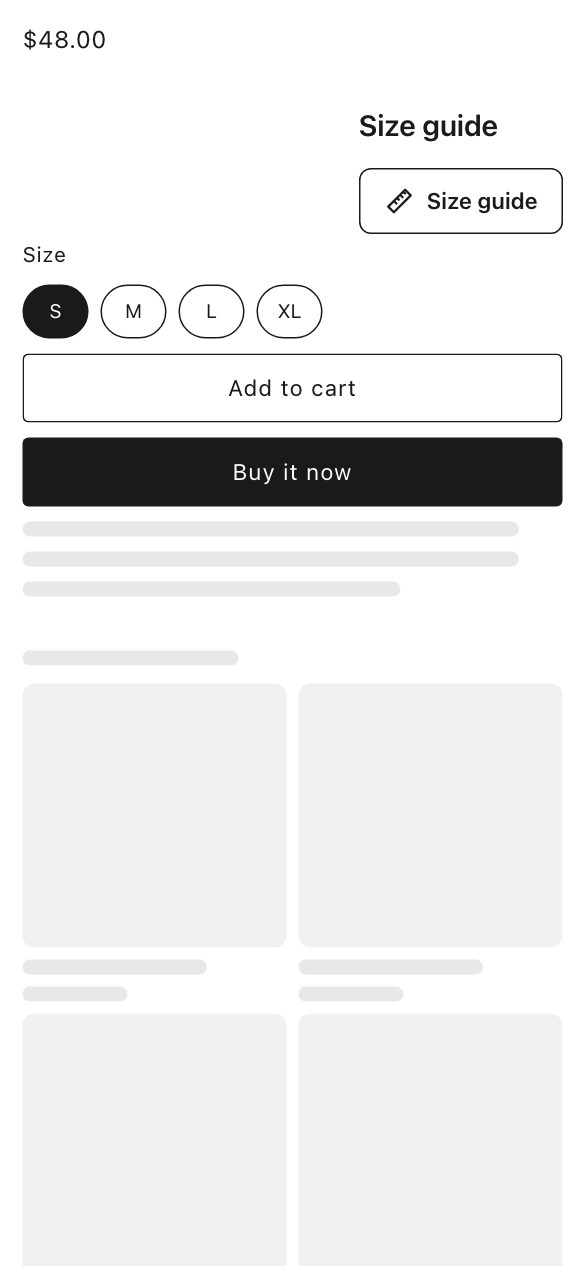
Help shoppers pick the right size.
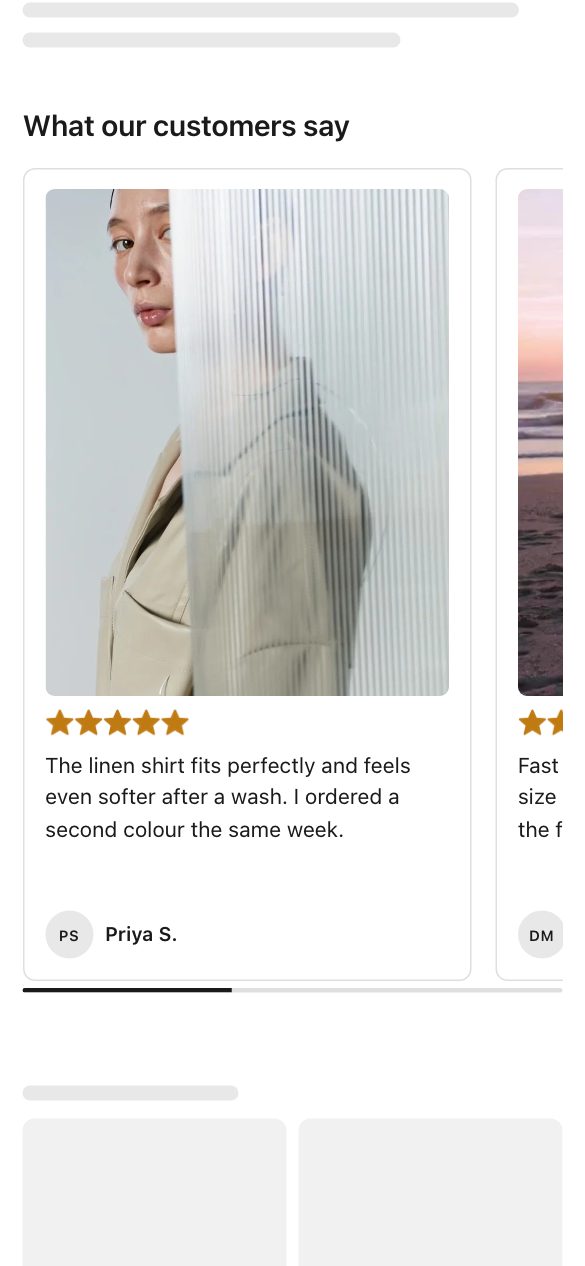
Show reviews from happy customers.
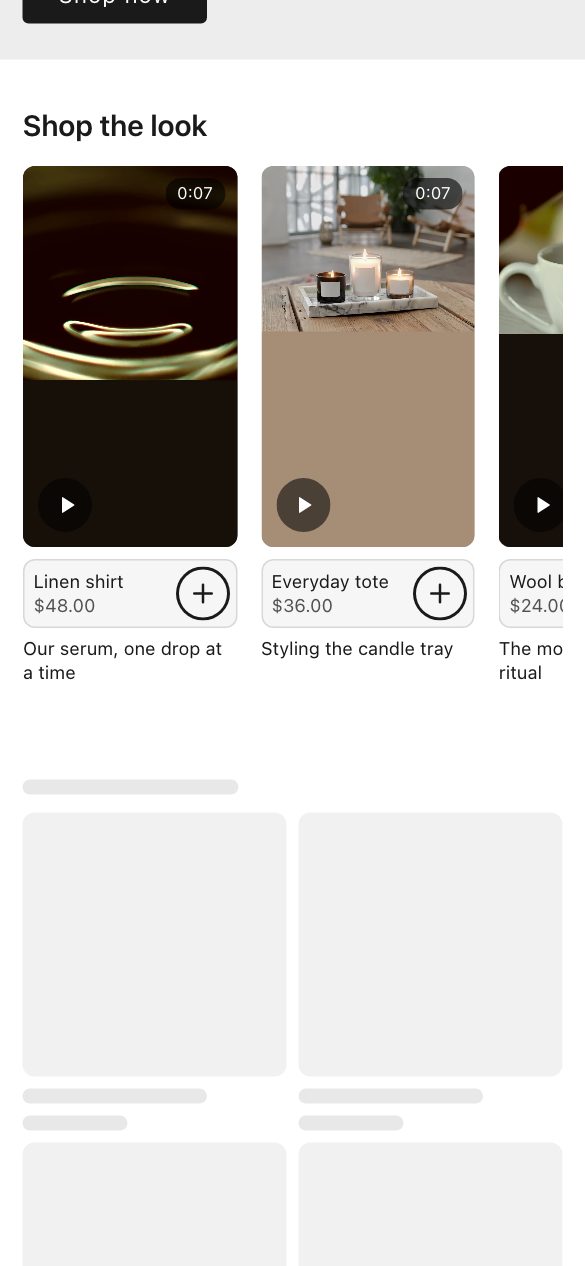
Let shoppers add tagged products to the cart from your videos.
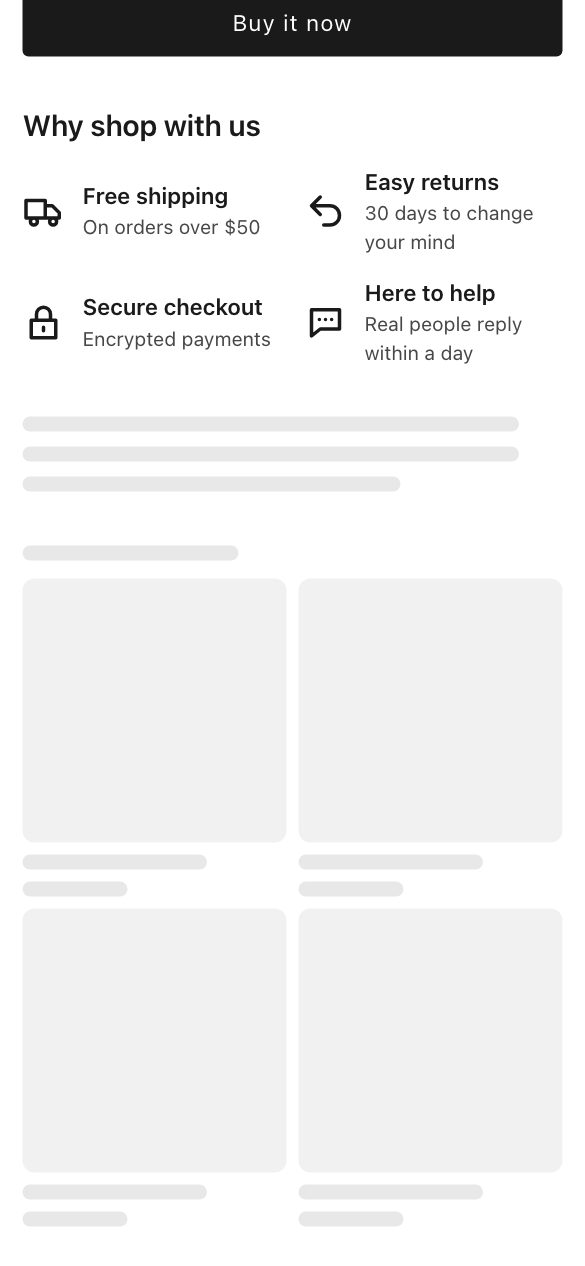
Show shoppers why it is safe to buy.

Explain your benefits with icons.
Show a row of logos.
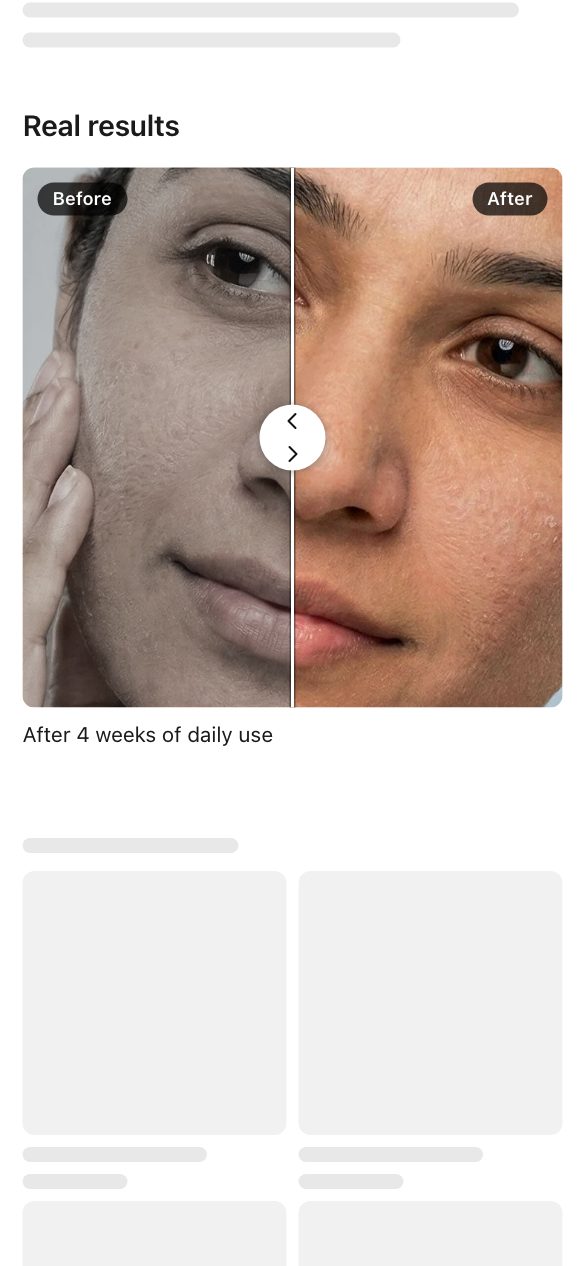
Let shoppers slide between before and after photos.
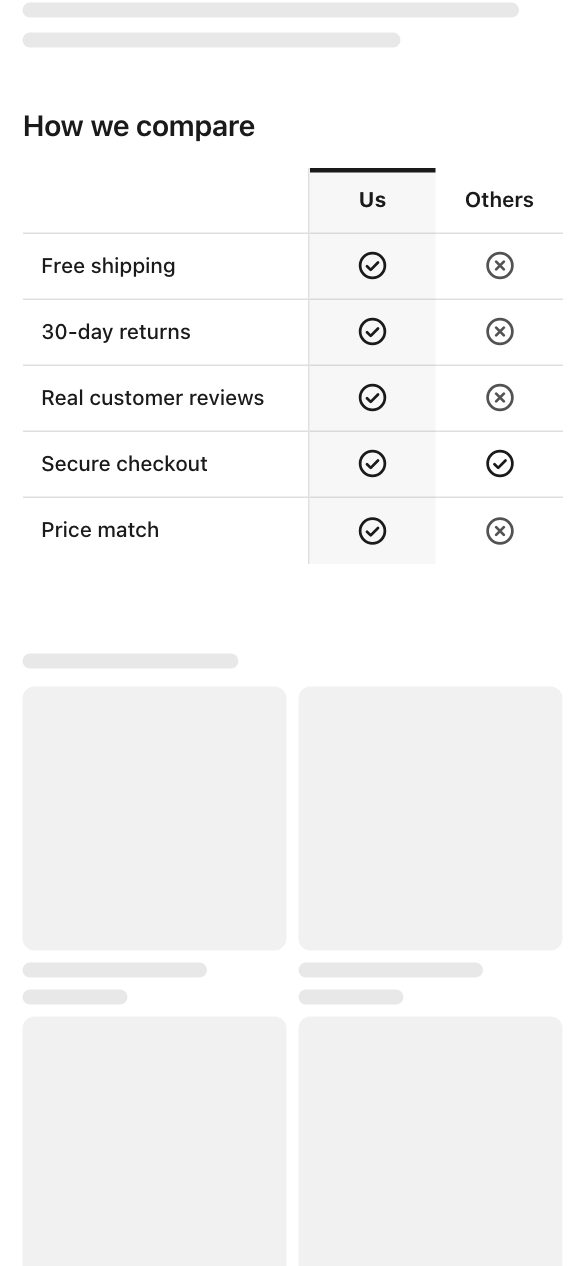
Show how you compare, side by side.
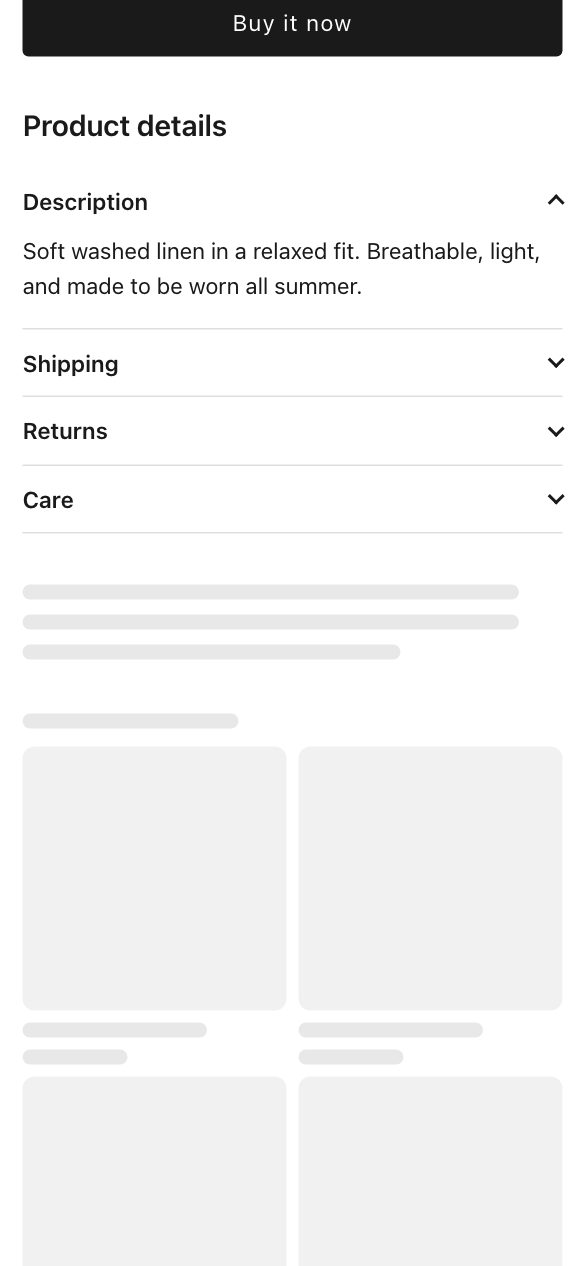
Put description, shipping, returns and care in neat tabs.
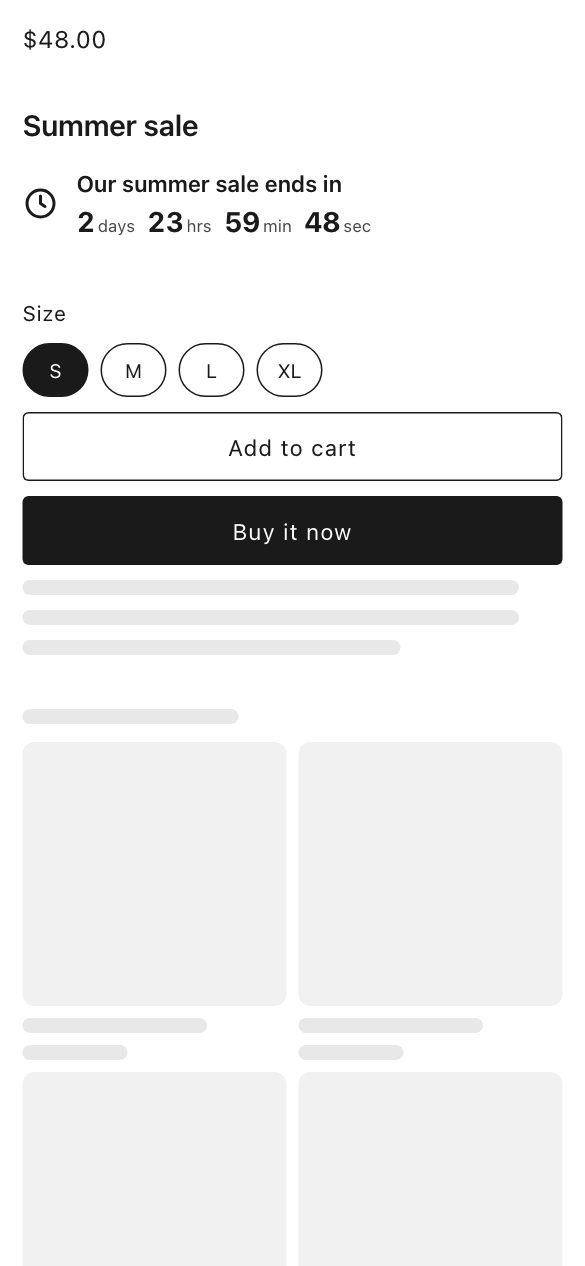
A sale countdown, an order-by cutoff, or a delivery date.

A chat button on every page that opens WhatsApp.
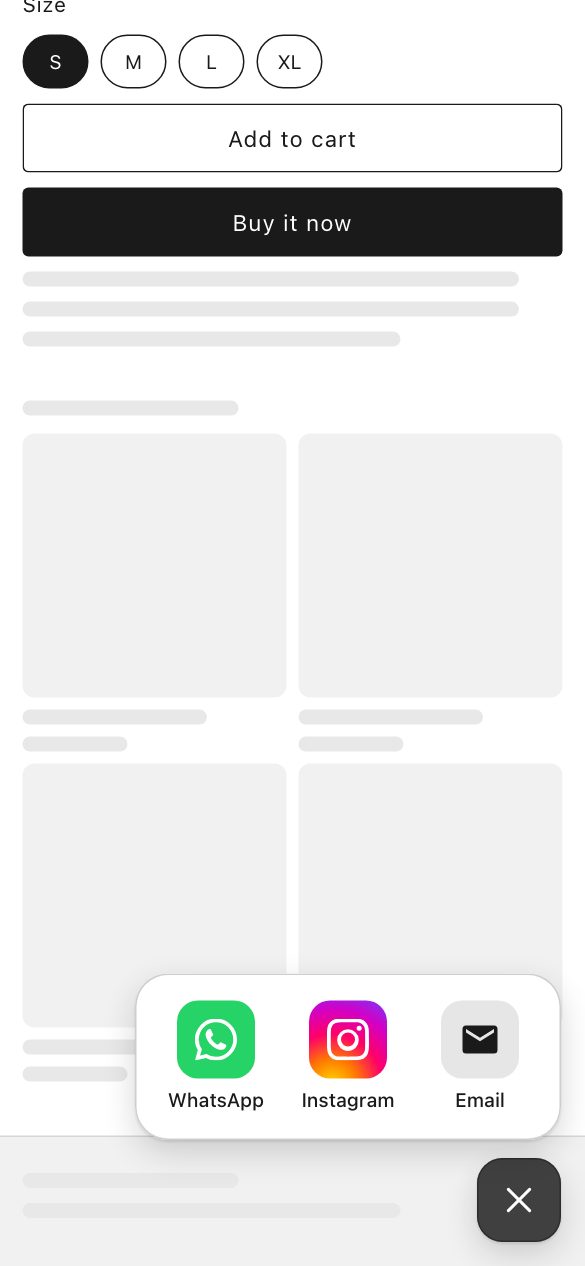
One chat button on every page for WhatsApp, Messenger, Instagram, Telegram, LINE, Viber, email, calls and texts.

Link to your Instagram, TikTok, Facebook, YouTube and other social accounts.
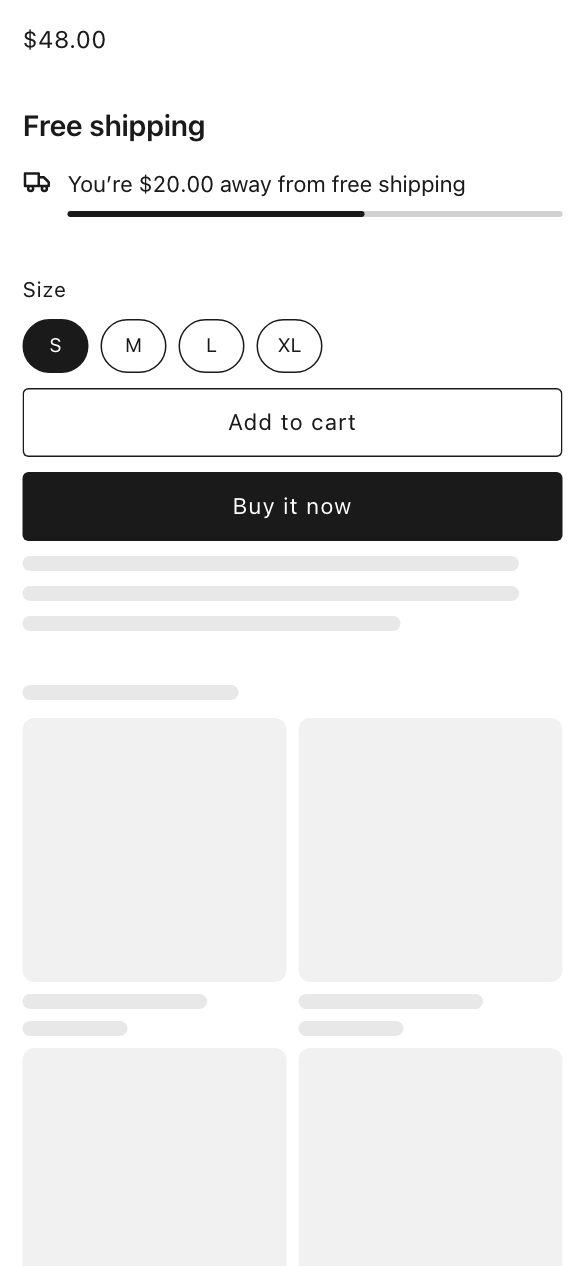
Show shoppers how much more to spend to get free shipping.
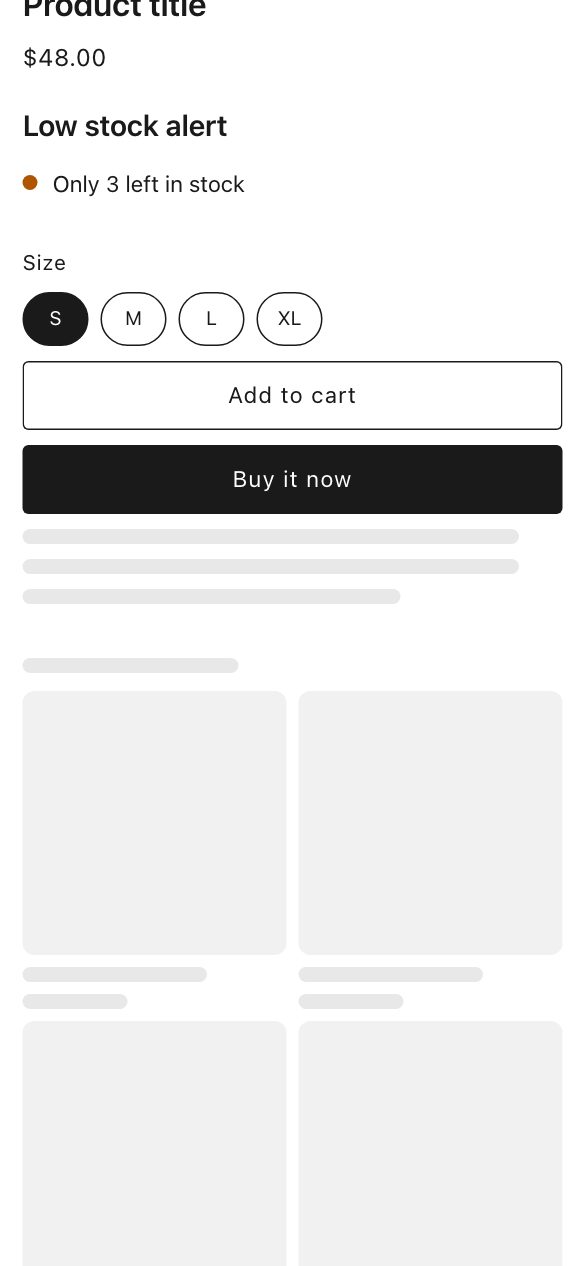
Show shoppers when only a few are left of the option they pick.
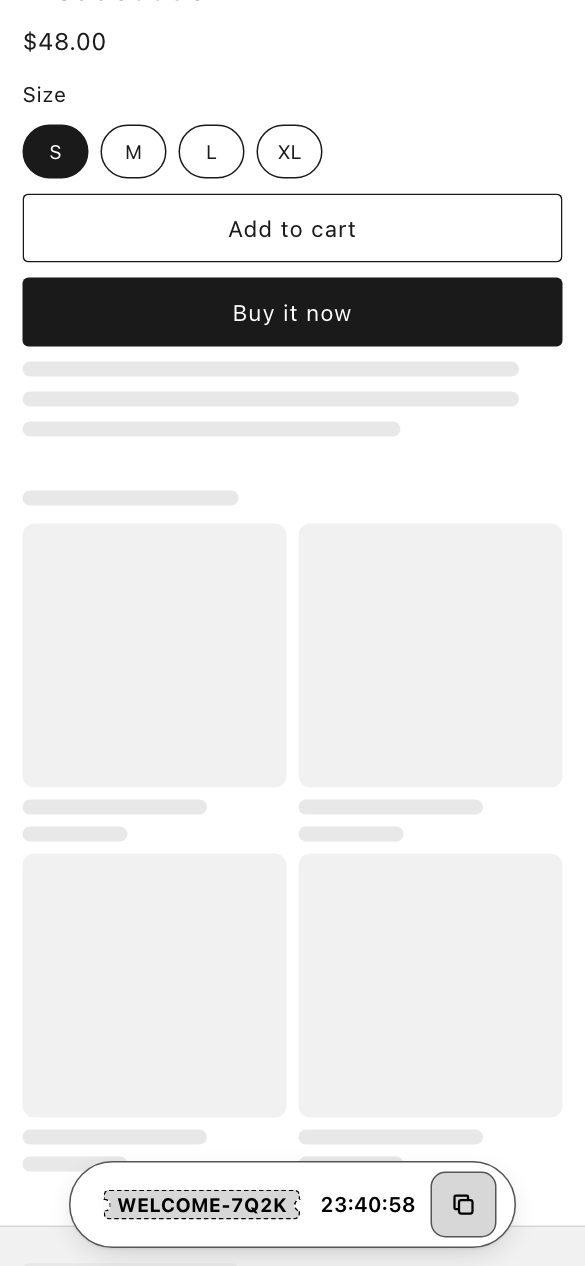
A slim bar on every page with the shopper's own code and the real time left on it.
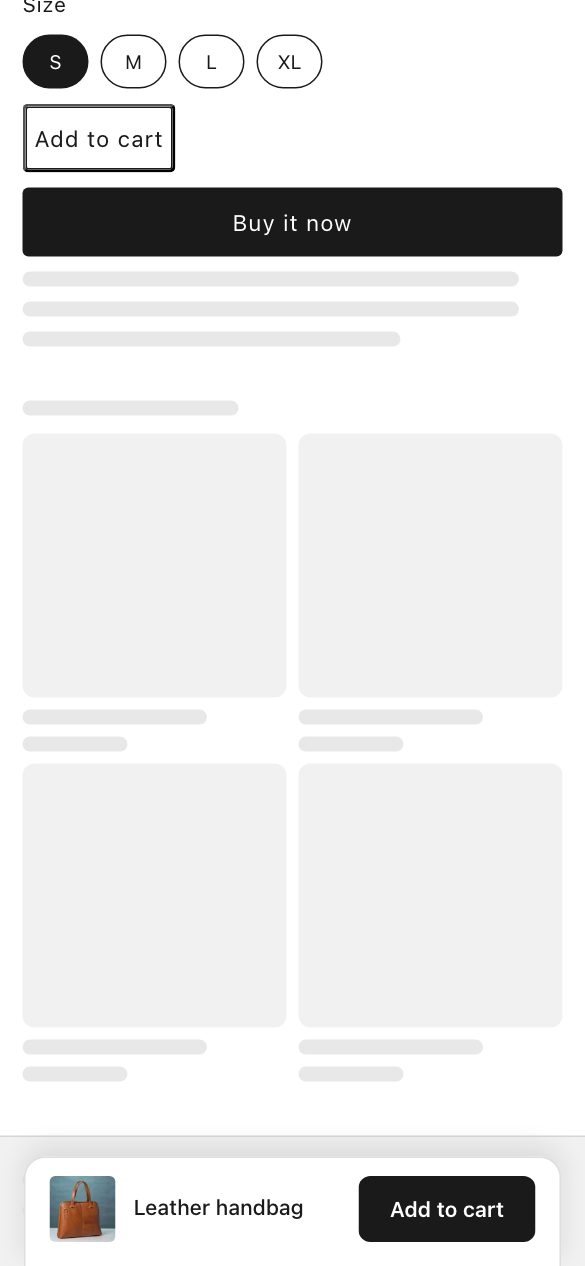
Keep your Add to cart button in reach on phones once shoppers scroll past it.
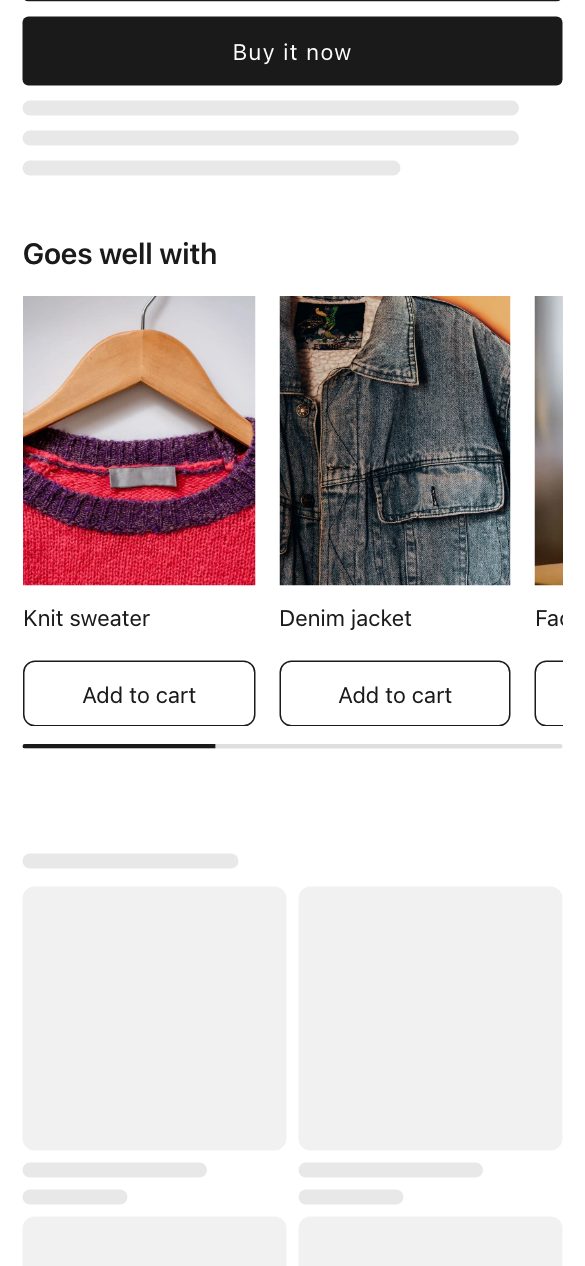
Show products that go well together, similar ones, your picks, or what a shopper viewed.
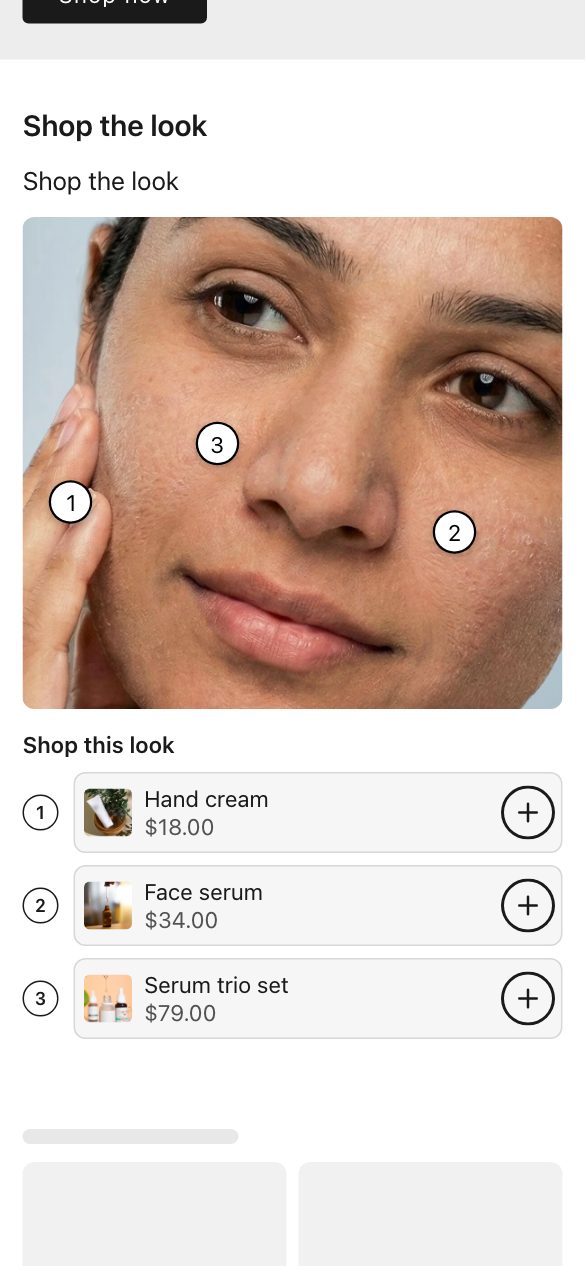
Tag products on a photo so shoppers can buy the whole look.
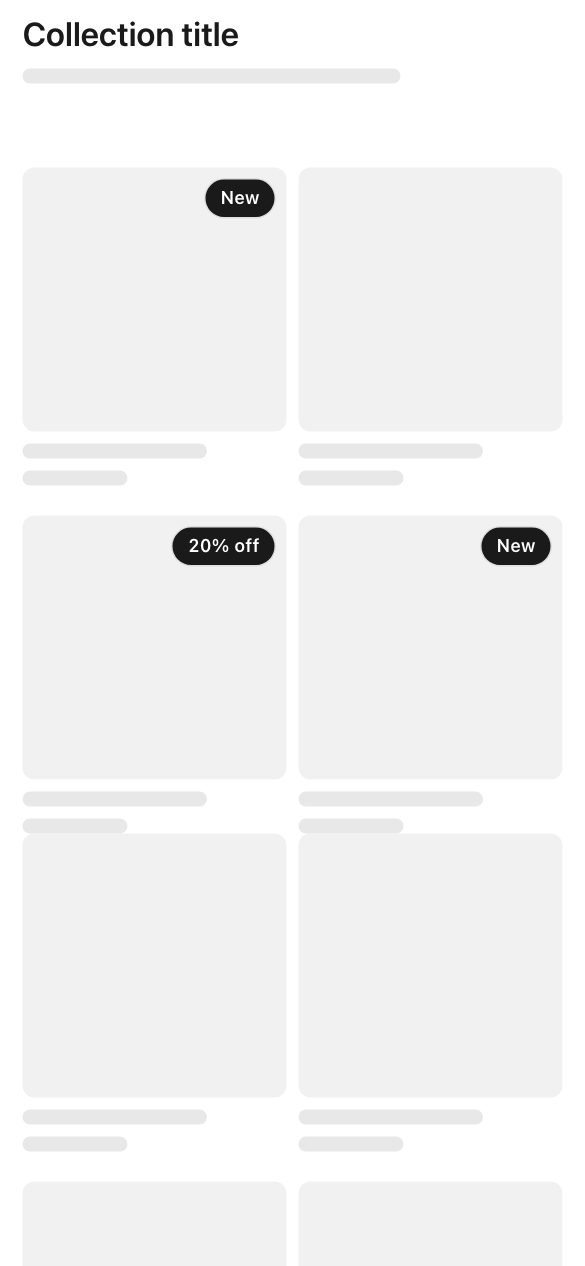
Put a small label like New or 20% off on your product cards.
No limit on live widgets while every plan is free. Shoppable-video uploads are paused for now.
A campaign shown to the wrong shopper costs more than not showing it at all. Score every visitor automatically, or write the rules yourself — by cart value, traffic source, market or device.
Sensitivity
Worried about a slower store, or a bill that jumps? With no active campaign, the campaign engine never runs on the storefront. Every plan is free for a limited time, and there is no overage charge. Six terms fixed by how the app is built, rather than by a promise that has to be kept.
The plan gate is on creating a campaign, not on opening one you already built.
CSV export on every plan. No ticket, no waiting.
Every plan is free for a limited time, with no popup cap. When paid plans return there is no overage rate and no automatic upgrade.
Billing lives in Shopify, so uninstalling ends it there — not by emailing me.
Everyone else meters pageviews, so a good month costs more. Tighter targeting shrinks your bill here.
No engine loads until a popup needs to show. Run PageSpeed before and after — please.
Setting up a popup app, you shouldn’t be left to figure it out alone.
Every store reaches the same inbox. There is no ticket routing, and no scripted first line between a question and an answer.
Questions go to denzil@nudgesmart.com. Response times vary with the day.
Every store reaches the same inbox, whichever plan it is on.
Questions reach someone who has worked on the product, not a queue that forwards them on.
Book fifteen minutes and your first campaign is configured with you, on your store.
Including the awkward one.
Install it and pick a template. Or book fifteen minutes and I’ll do the first one with you, on your store — that call costs you nothing either way.
Free for a limited time · No card to start · Uninstall in one click


 Exit intent
 Time & scroll
 Returning visitor
 Country
 Device


